Changelog

The latest Entropia releases and improvements.

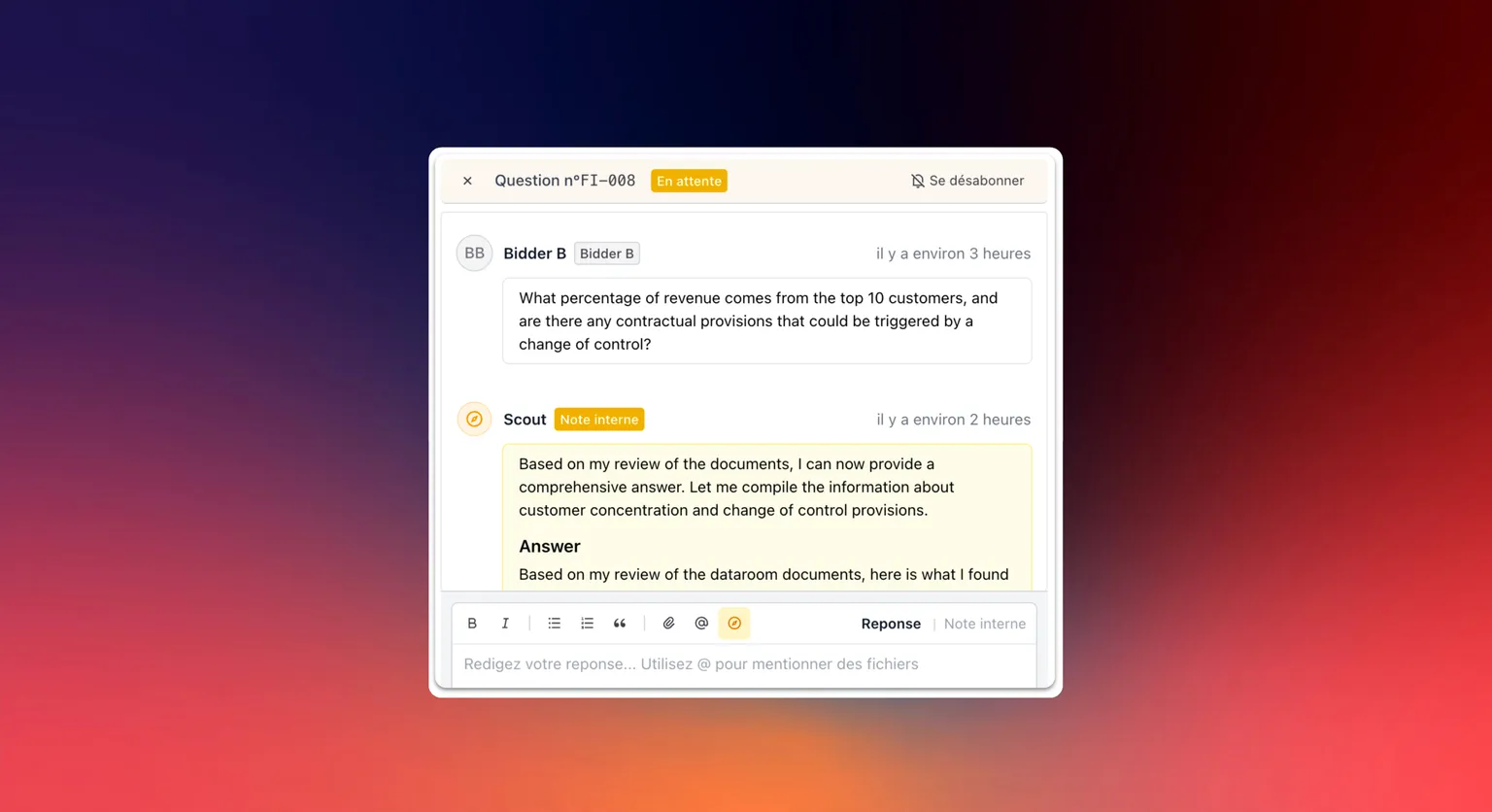
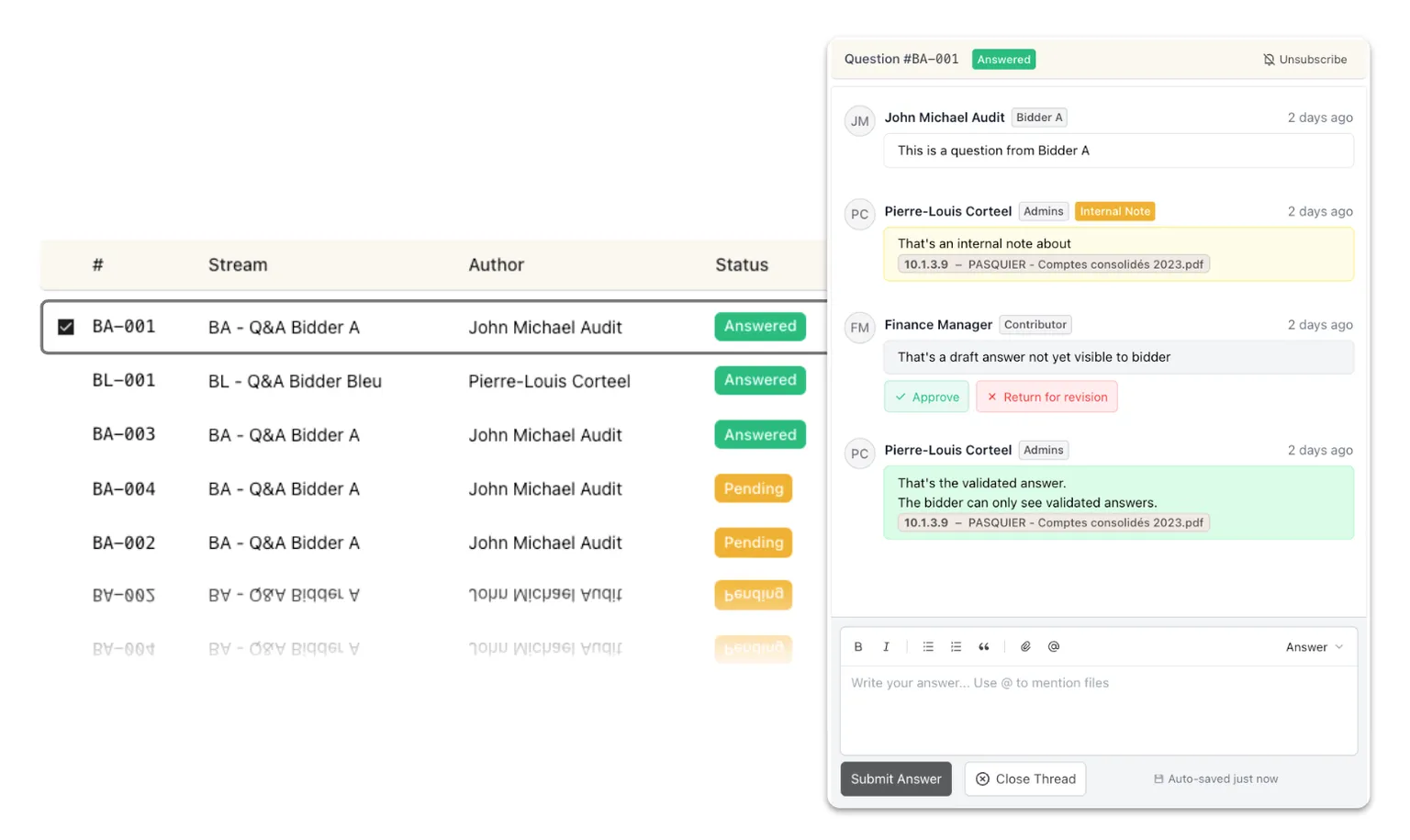
Open and close the Q&A on a schedule

Administrators set when the Q&A opens and closes, freeze new questions a few days before it closes, and pause or resume submissions in one click.

Choose the AI provider your data rooms run on

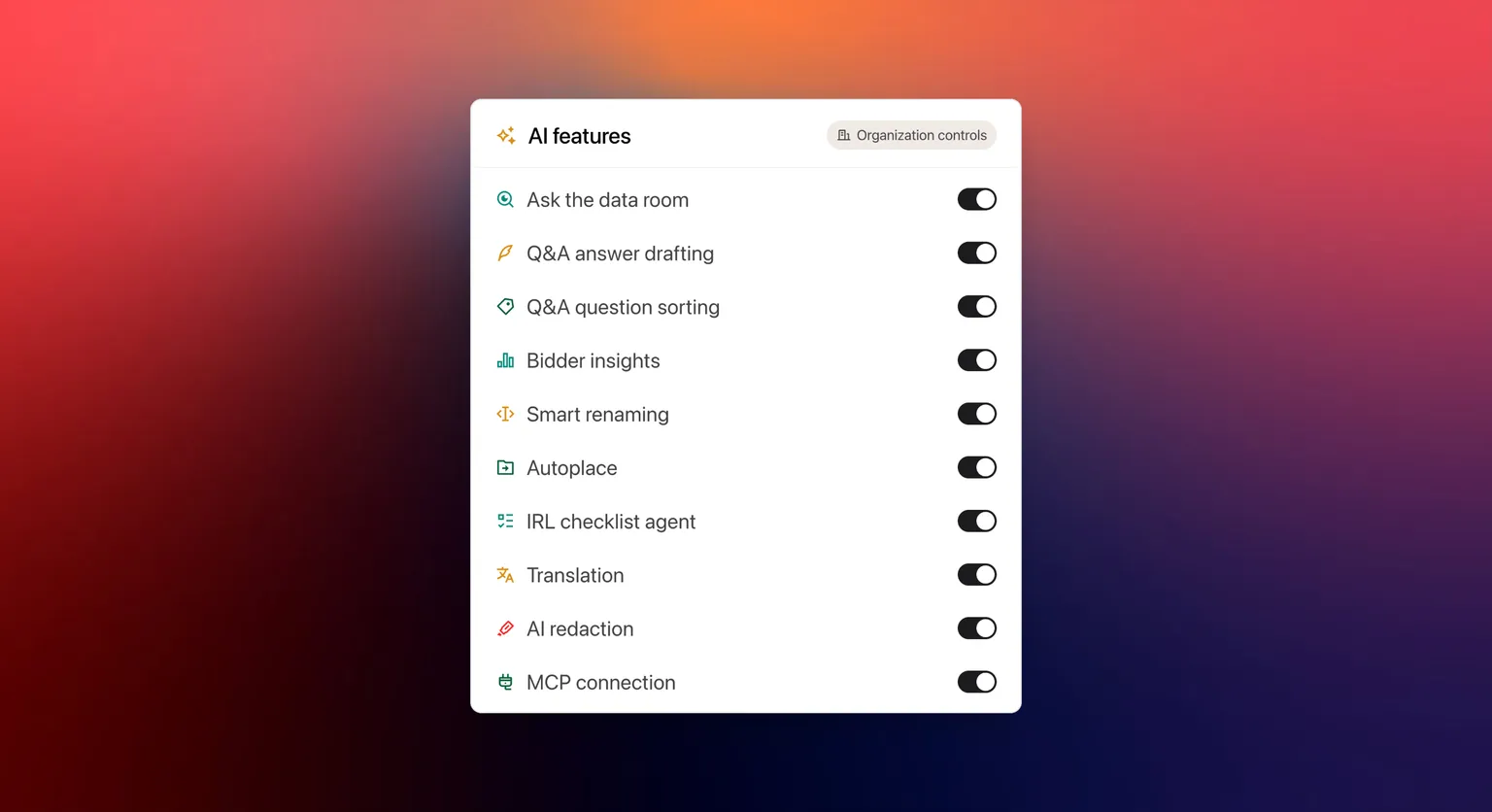
Organization managers pick the provider behind every AI feature in their data rooms, such as EU-hosted Mistral instead of the default.

One data room at a time for your AI platform

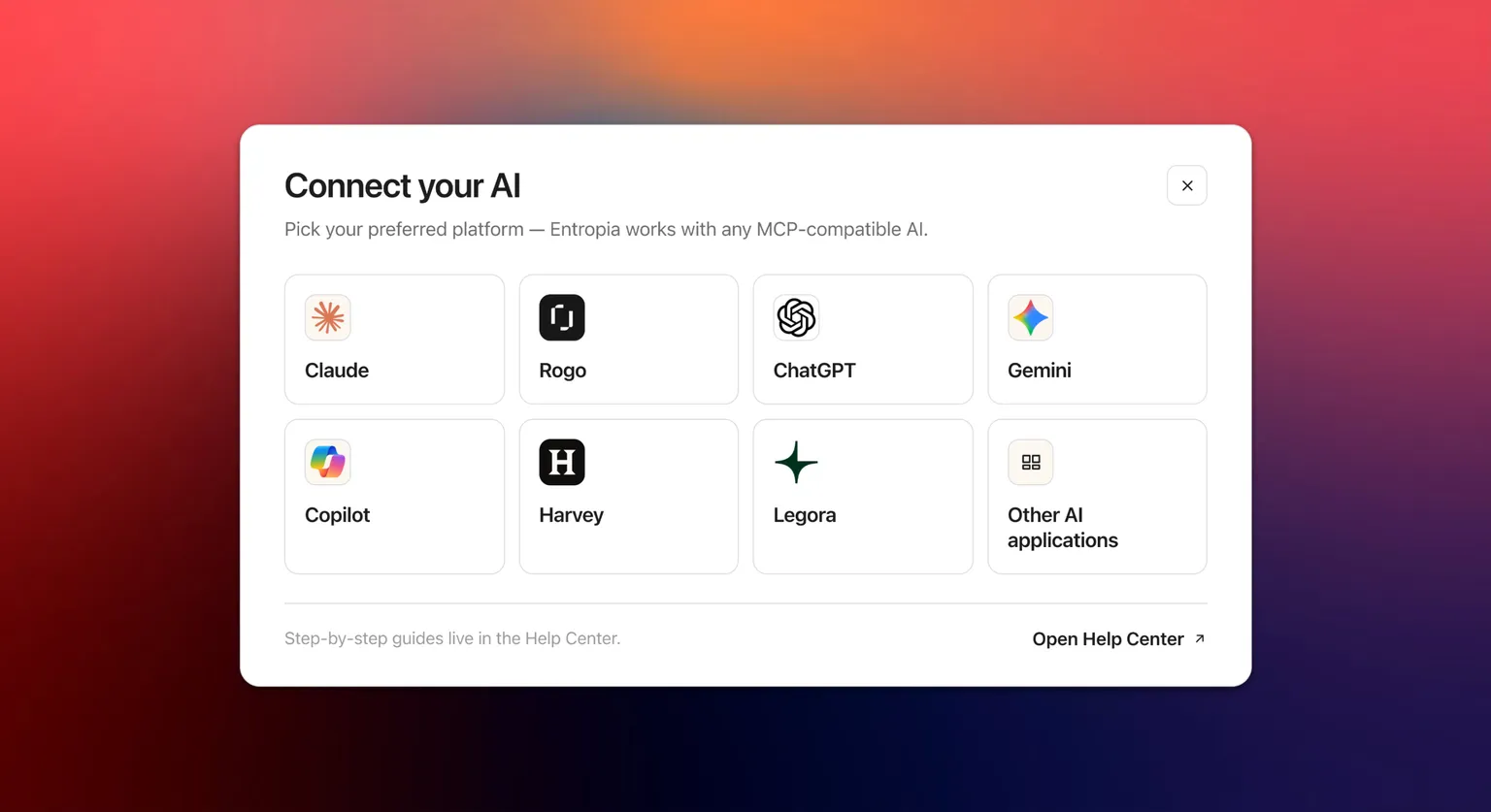
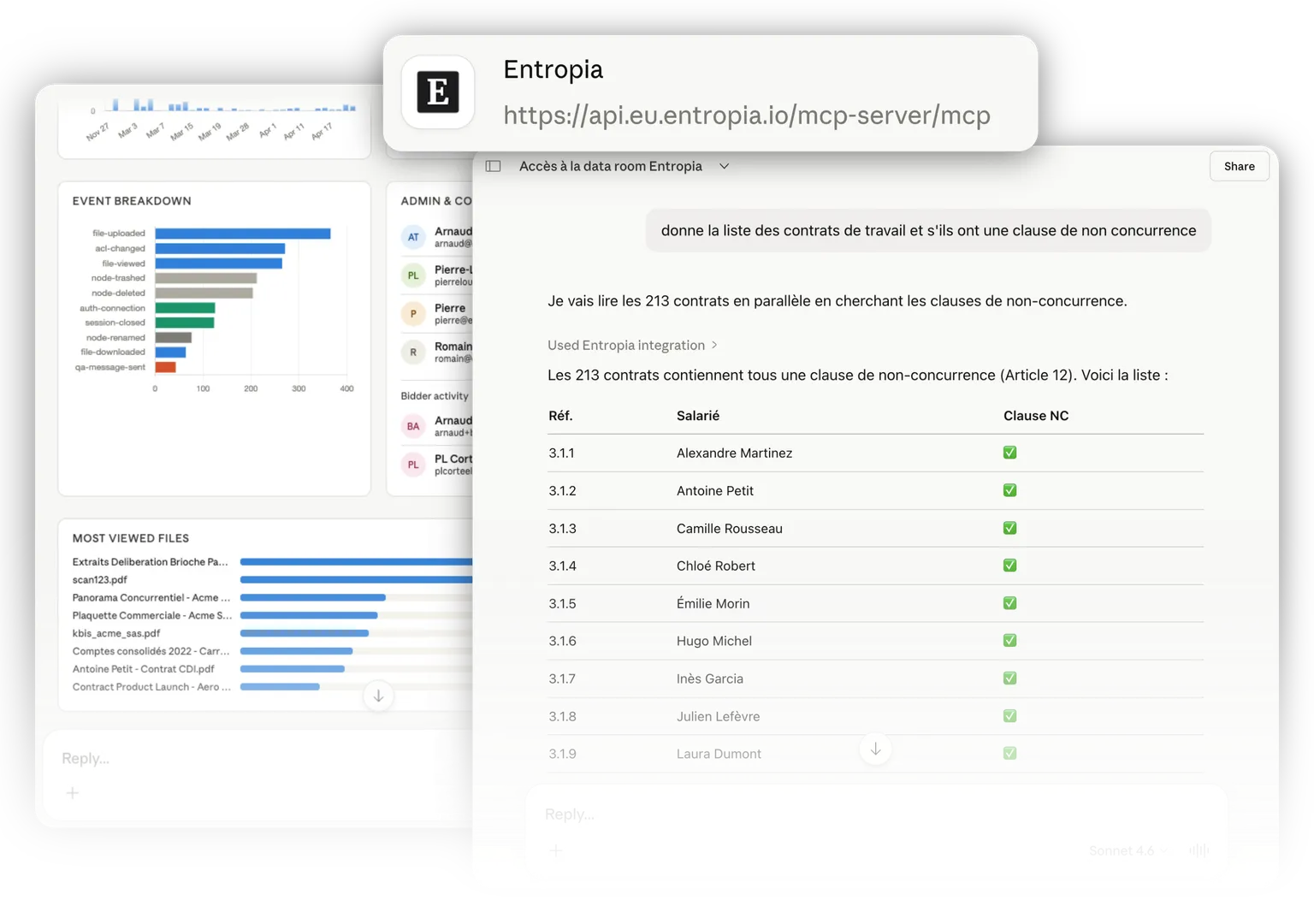
Pick the data room your AI platform works in from the Active data room for AI tab; it applies to all your conversations until you switch, so no answer ever draws on several data rooms at once.

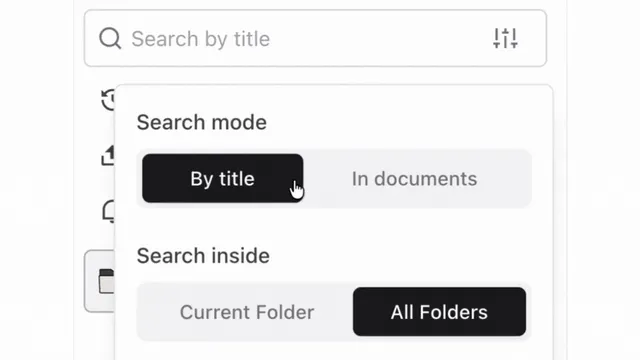
Search faster in very large data rooms

Full-text search returns noticeably faster in data rooms with hundreds of thousands of pages, and result pages no longer repeat or skip a document.

Open large scans even faster

The viewer now loads only the pages on screen, so the first page of a long scan appears even sooner and the rest follows as you scroll.

Documents open in your AI platform's viewer

A PDF you open from a connected AI platform shows its pages in the Entropia viewer.
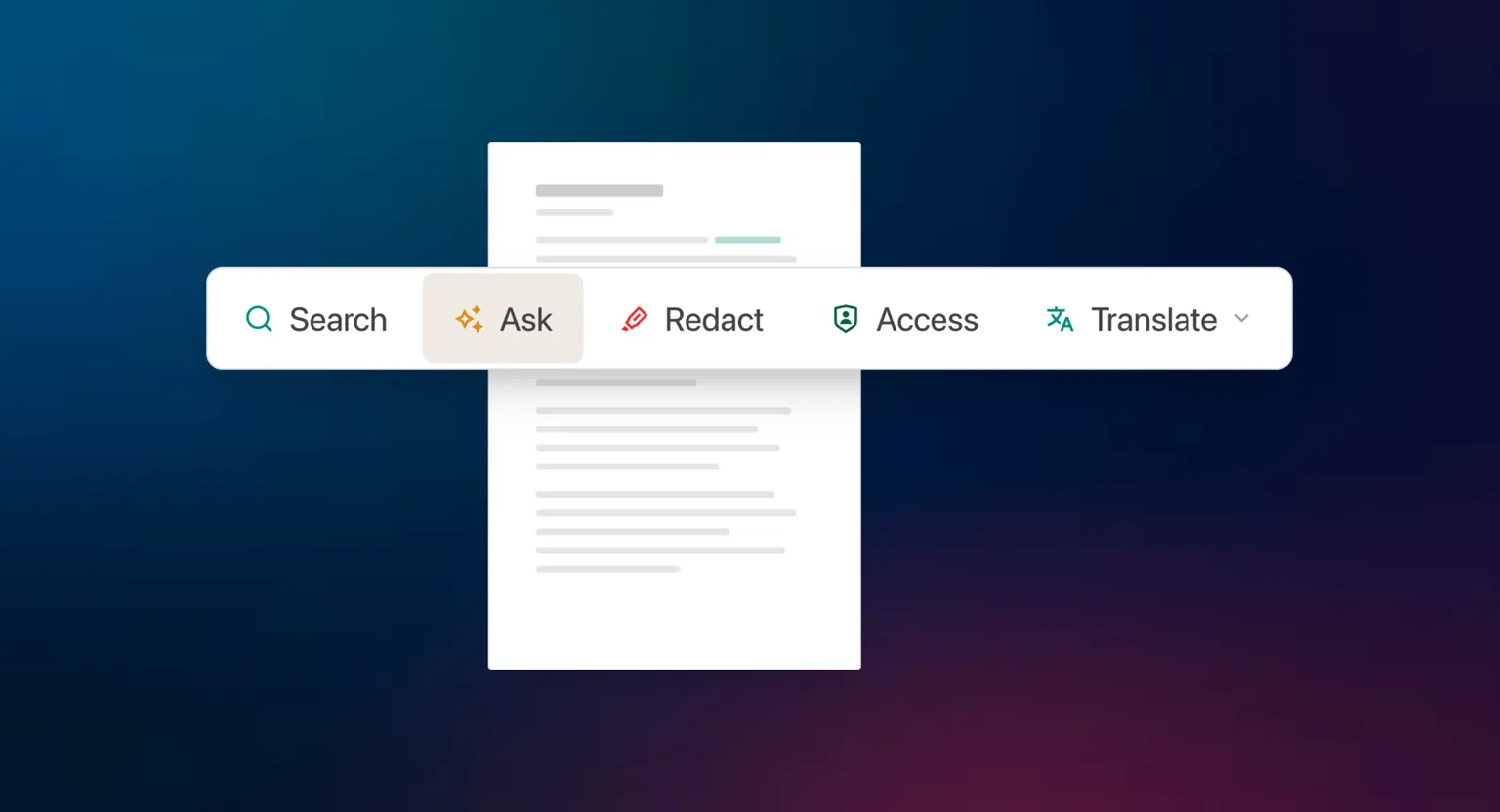
Ask questions about the document you are reading

From the search panel, ask a question about the open document; the answer links to the pages it cites, and any search turns into a question in one click.

Entropia on your phone, improved

Pages no longer scroll sideways, tables read as lists, filters open from the bottom of the screen and navigation sits in one menu.

Daily email of the questions assigned to you

Administrators and contributors receive one email a day listing the Q&A questions assigned to them that still wait on their side; nothing is sent when nothing is pending.

Import answers from any spreadsheet layout

When you import Q&A answers from Excel, pick the columns that hold the answers and the question IDs, so files with renamed headers, extra tabs or intro rows import cleanly.

Q&A attachments reach the other side at once

A file attached to a Q&A message that needs no review is shared with the other side straight away.

Export one Q&A category across every counterparty

Export the questions and answers of one category across all streams in a single file, and anonymise it so no stream and no person is named, ready to hand to an advisor.

Upload into two folders at once

Start an upload into a second folder while another upload is still running, and the new files appear in the Upload Tracker straight away.

Email when you are mentioned in the Q&A

Mentioning someone in a Q&A message sends them an email notification, on top of the in-app one.

Support replies land in your inbox

When Entropia support answers your question in the in-app chat, you receive an email with the conversation, so you can pick it back up after closing the tab.

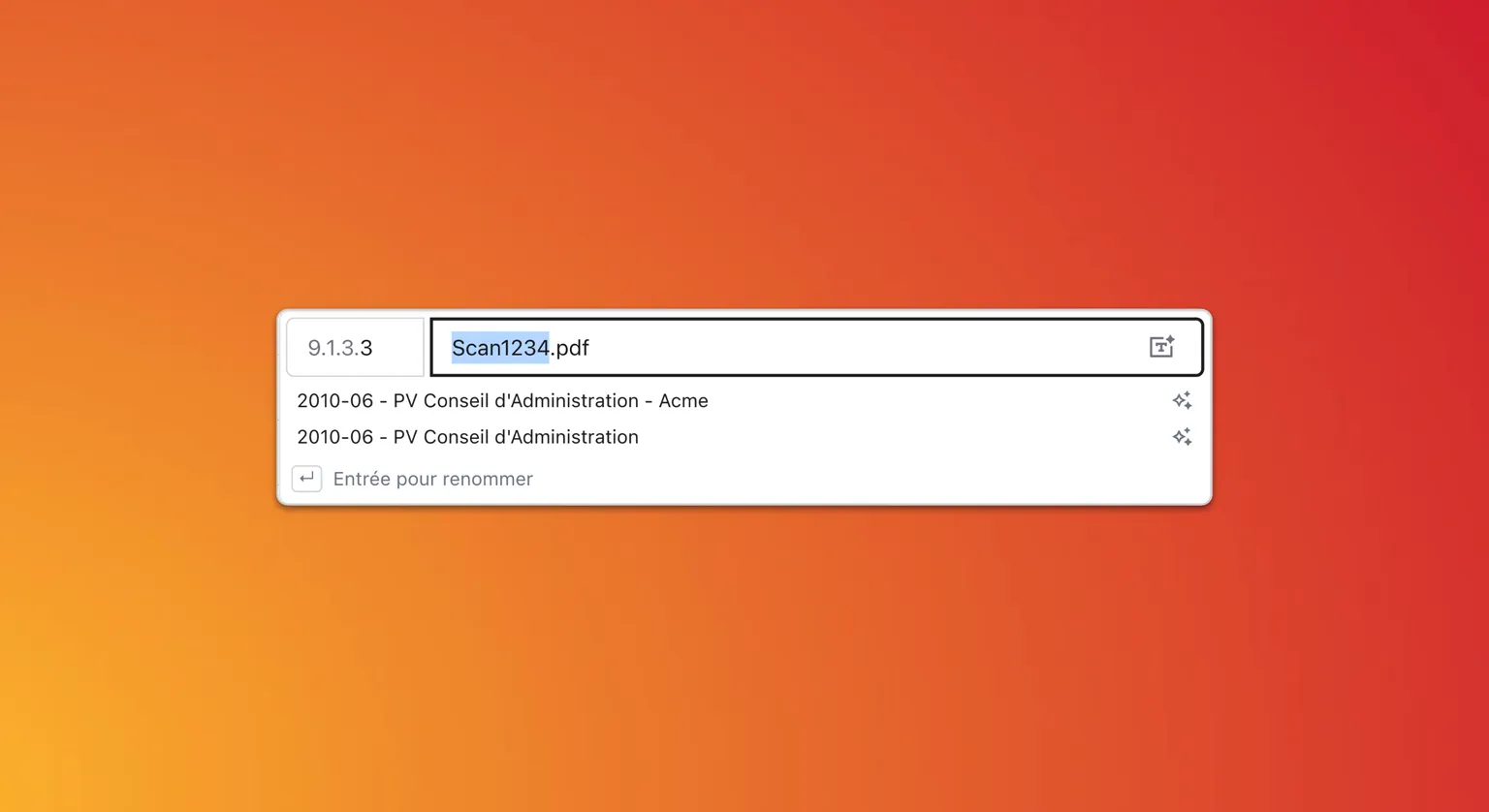
Two real options when AI suggests a filename

Asking for an AI-suggested filename returns two genuinely different options, one leading with the document type and one naming every party, with room for longer descriptive names.

Improved support channels

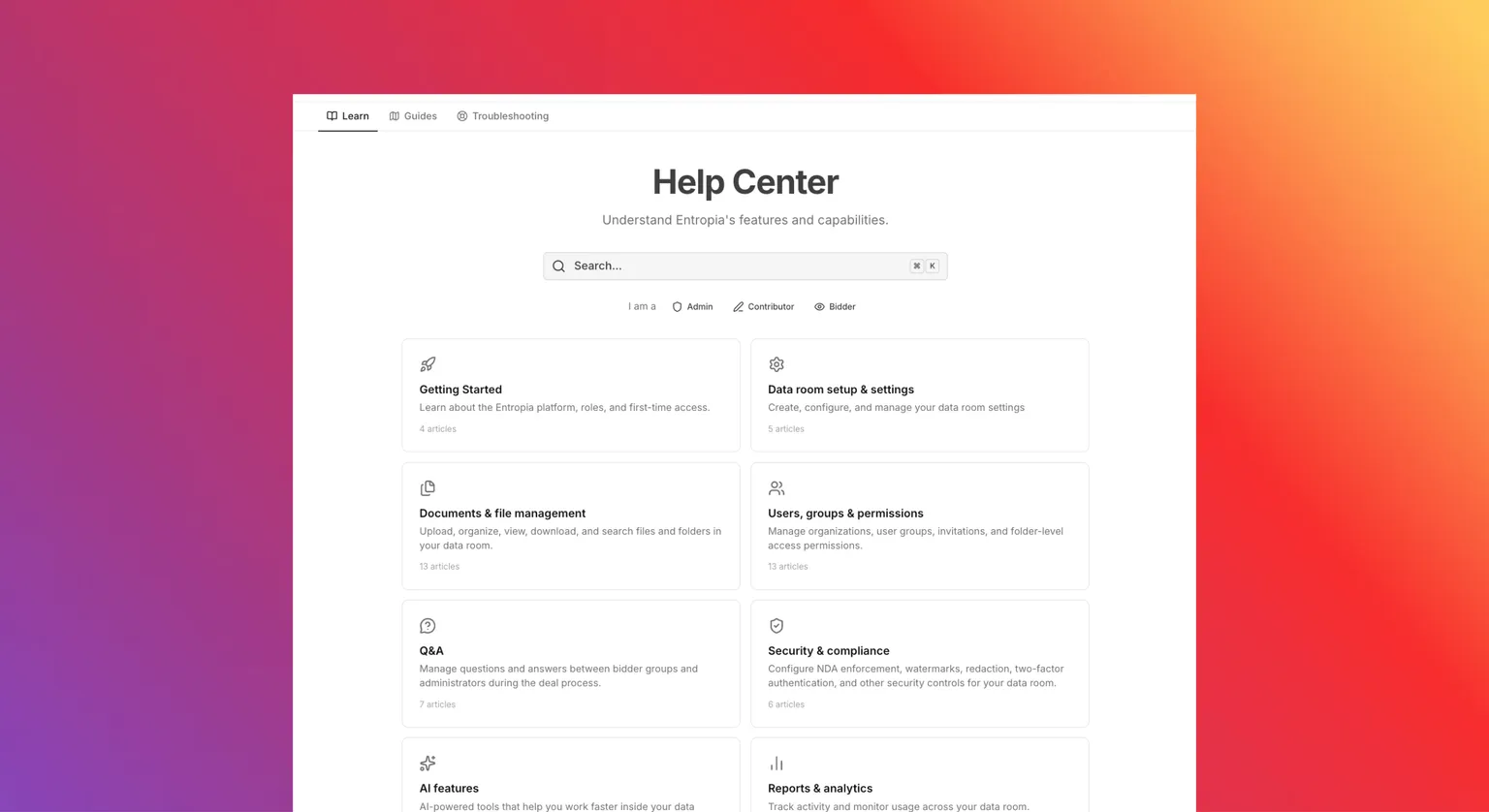
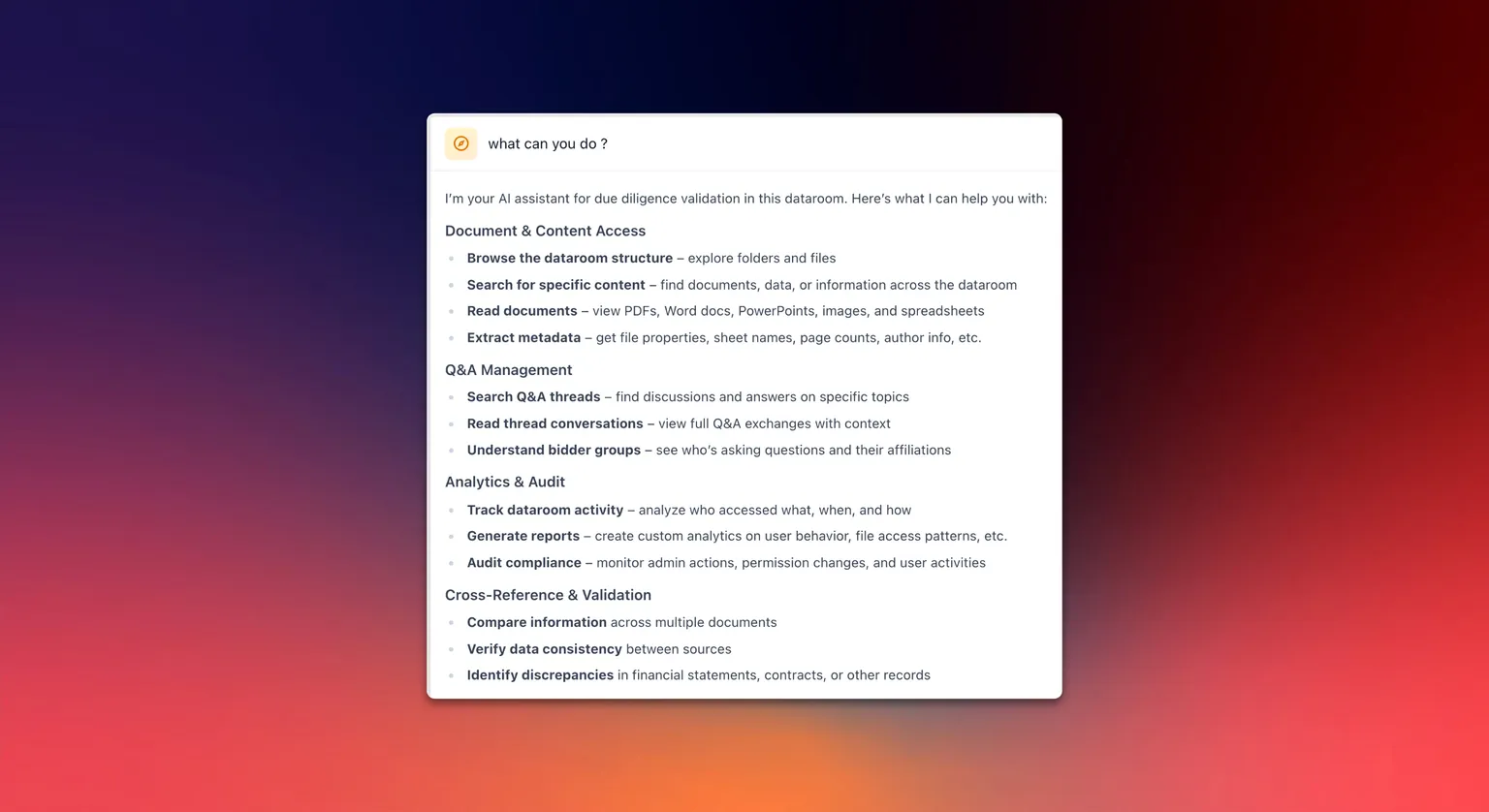
Our support teams have always been available 24/7 via chat or phone. The support chat now also links to a redesigned help center, with an AI assistant you can ask directly.

Filter files by size

File search now filters by size, so the heaviest documents are easy to find.

Branded sign-in links

Share a sign-in link carrying your organisation's logo and name, landing members on your organisation's home page once they sign in.

Sort the file table by column

Click Index, Name, Pages, Size or Upload date to sort either way, with a third click back to the default order. Folders stay grouped on top, and sorting keeps working while a search or filter is active.

See folder sizes

The Size column now totals every file inside a folder, so you can see where your storage is going.

AI connections in the activity log

Connecting to a data room through an AI assistant is now recorded alongside regular sign-ins.

Activity log quick filters

Filter the activity log by event family in one click, from a chip row above the table.