New controls for Entropia on Mistral Vibe
Mistral's June 2026 connectors release lets an administrator switch individual tools on or off. Here's what it means for Entropia customers.
Entropia has worked as a custom MCP connector in Mistral since December 2025. On June 24, Mistral shipped a connectors release that gives administrators control over individual tools, adds multi-account authentication, and makes connectors available in Vibe Code. Here is what changes for deal teams, and what we recommend.
If you connected Entropia before June, nothing breaks. The setup is unchanged and no reauthentication is required. What follows is worth ten minutes of an administrator's time.
Two layers of control
An administrator can now switch individual tools on or off, per workspace or across the whole organisation. Until June, a connector was all or nothing: authorise it and every tool it exposed came with it.
That gives two independent layers of control over Entropia.
Mistral decides which tools exist for a given team. Entropia decides what each user sees once a tool runs.
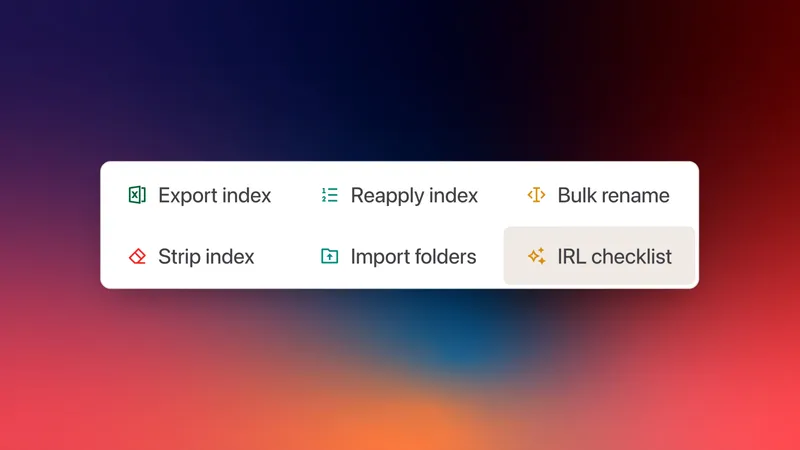
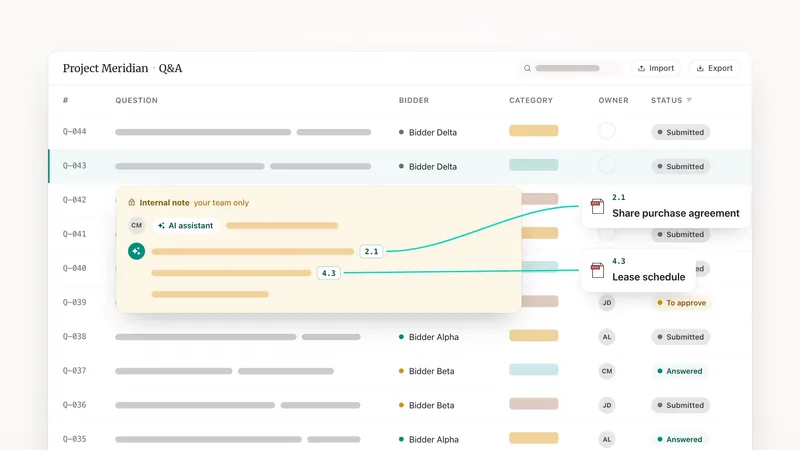
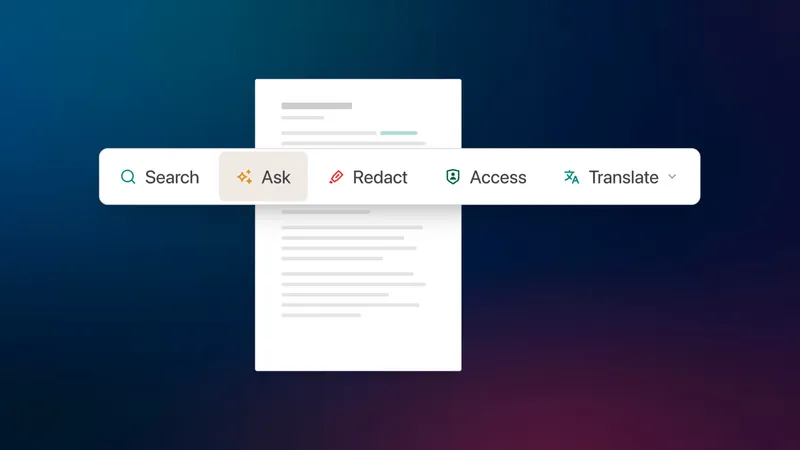
The practical shape for a deal team: enable the read tools, switch off grant_permissions, draft_answer and the document management tools at the Mistral level. Analysts get search, document reading and analytics. Nobody grants access to anything from a chat window. Underneath, data room rights still apply, so a document a user cannot open in Entropia stays invisible to them in Mistral.
For a deal captain or an Entropia administrator, enable the write tools. The permission model does the rest.
Read and write, and what to approve
Every user also controls whether Vibe asks for approval before each call. Read functions retrieve information: search, read a document, list a folder, pull engagement logs. Write functions act: granting access to a group, drafting a Q&A answer, moving or tagging documents.
Pre-authorise the read tools you use constantly. Leave the write tools on manual approval. An approval prompt on grant_permissions costs one click and is the difference between an agent proposing an access change and an agent making one.
Vibe Code
Connectors are available in Vibe Code. Do not declare Entropia as an MCP server in config.toml: the CLI does not handle OAuth servers, and Entropia uses OAuth 2.1 with dynamic client registration. Register it as a connector once and it is available in your coding sessions.
Known limitations
Custom MCP connectors in Mistral do not yet support dynamic tool discovery, MCP resources, or prompt templates. Mistral has said it plans to add them.
If a connection fails, the connector URL ends in /mcp and uses Streamable HTTP. The server must respond to the initialize handshake and return a 401 with a WWW-Authenticate header. Mistral's Connectors Debugger, in public preview since June, reports where a connection breaks.
Setting it up
Adding a custom connector requires an organisation administrator. Full steps, along with every other MCP-compatible platform we support, are on the Entropia MCP server page.