A rebuilt document viewer
The Entropia document viewer gets a simpler toolbar, one side panel at a time, larger thumbnails, smoother zoom, a clear download dialog and Excel-faithful spreadsheets.
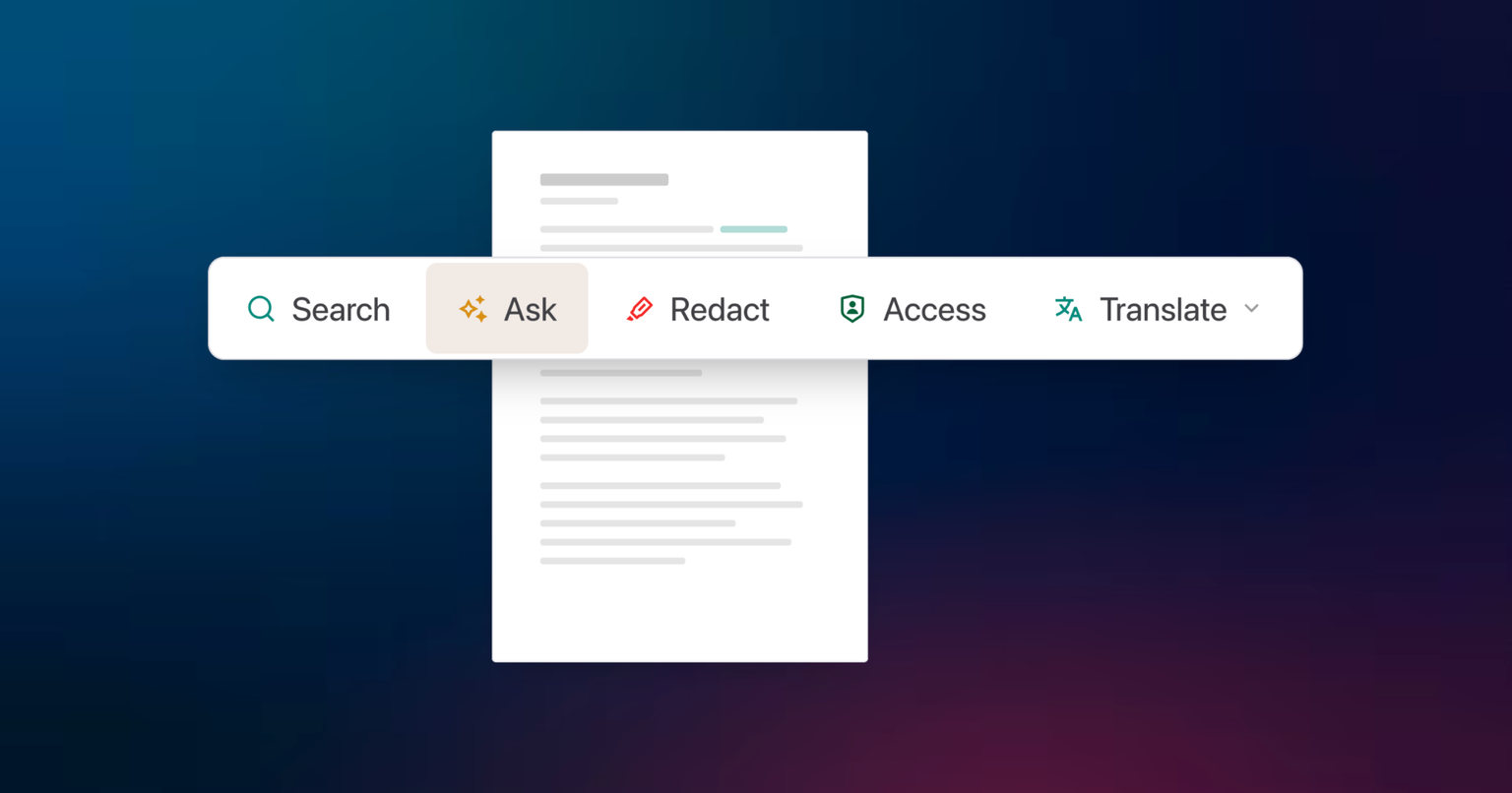
The document viewer has a simpler toolbar, one side panel at a time, larger page thumbnails, smoother zoom and a download dialog that lets you choose the format. Spreadsheets open in the same frame.
One panel at a time
The side panel shows one thing: Pages, Search, Redact, Q&A or Access. You switch between them from the toolbar instead of stacking panels, so the document keeps the width it needs.
Thumbnails you can read, zoom that follows you
Page thumbnails are larger, so you find a page in a long scan by eye. Zoom is continuous and keeps your place on the page.
Download in the format you need
The download dialog states what you are about to get, original, PDF or redacted, according to your rights, instead of leaving you to guess from a button label.
Spreadsheets in the same frame
The spreadsheet viewer uses the same toolbar and panel layout. It now shows text, fill and border colours as Excel draws them, including files exported from Google Sheets. Merged cells stay drawn while you scroll, and frozen rows and columns keep their headers and highlights in place.
Redaction works from the same viewer: read our guide to document redaction in data rooms.