Redesigned index management panel with previews
Export, reapply, bulk rename, strip and import the Entropia data room index from one panel, with a preview before anything changes.
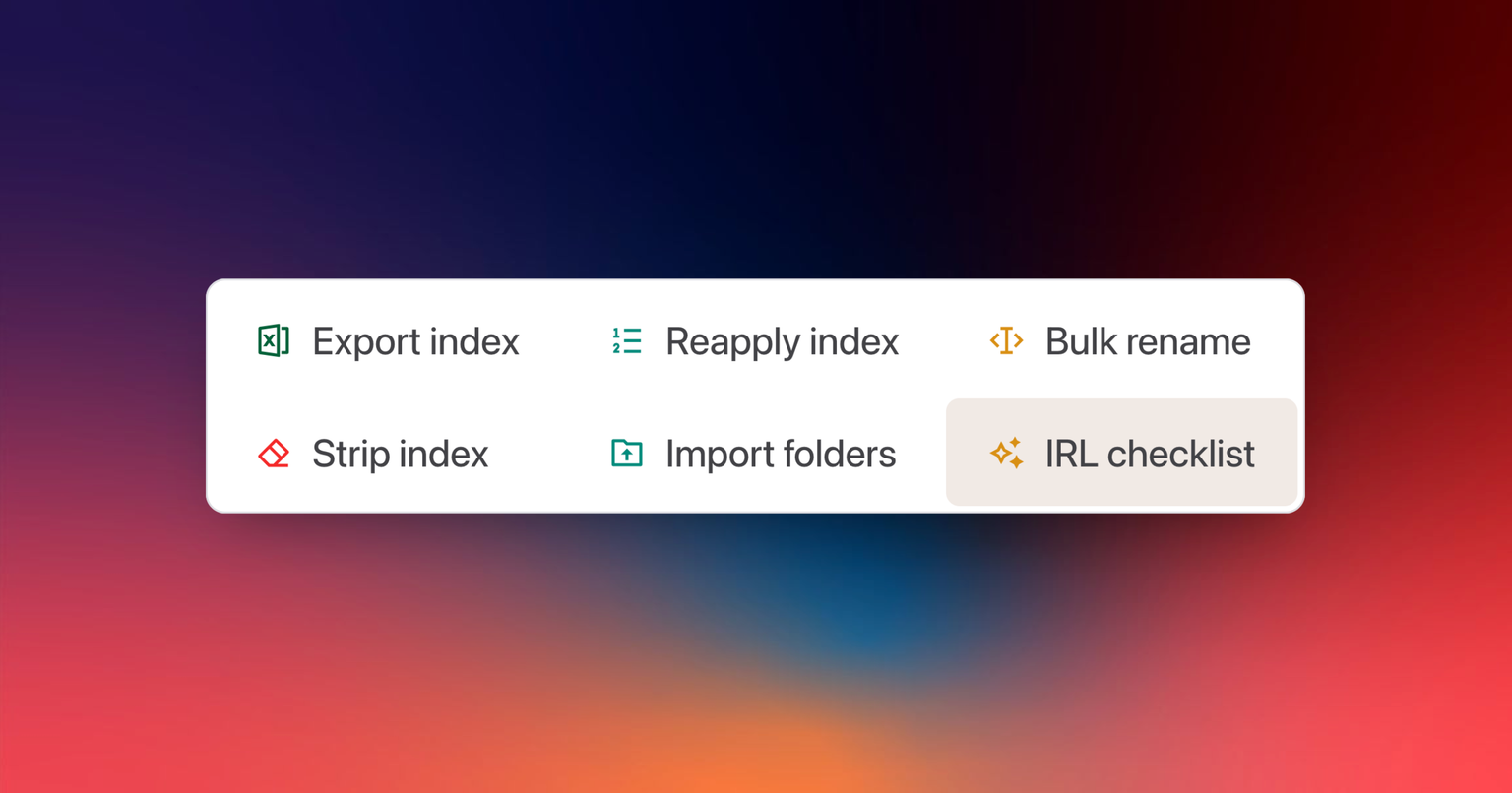
Every change to the index now shows you exactly what it will do before you confirm it. Export, reapply, bulk rename, strip index and import a folder structure sit in one Manage index panel, each scoped to the folders you choose, and nothing is written until you have checked the preview.
Check the preview, then confirm
Every tool lays out its changes before anything is written: which folders and files it reaches, what each reference becomes, which names change and how. You read the list, fix the input if something is off, and confirm. Until you do, the data room is untouched. This is what makes bulk operations on a live index safe enough to run during a deal.
Choose the folders a tool covers
Each tool runs on the whole data room or on the folders you pick, down to a single branch, so a rename or a reapply in one section never touches another.
The tools in the panel
- Export index. Download the index as an Excel file, as a Print Index to share or a Work Index to edit in bulk and re-import.
- Reapply index. Renumber the references of the selected folders after moves, uploads and deletions, with a preview of every reference that changes.
- Bulk rename. Rename files from a spreadsheet of references and new names, with or without a header row, with a preview of every rename and a list of the files left unchanged.
- Strip index. Remove numbered prefixes from file and folder names, whether followed by a dot, a space or an underscore (01_Legal becomes Legal), with a preview of every new name.
- Import folder structure. Create folders from an Excel sheet, into Documents or the Sandbox or any folder inside them. The import ends with a summary of what was created and a shortcut to reapply the index.
- Checklist. A shortcut to the due diligence checklist, which reads the same index.
New to data room structure? Start with what a data room is.