Answer the most urgent Q&A questions first
Bidders now flag each Q&A question Normal, High or Urgent. Sell-side teams sort and filter the queue by priority and answer what blocks the deal first.
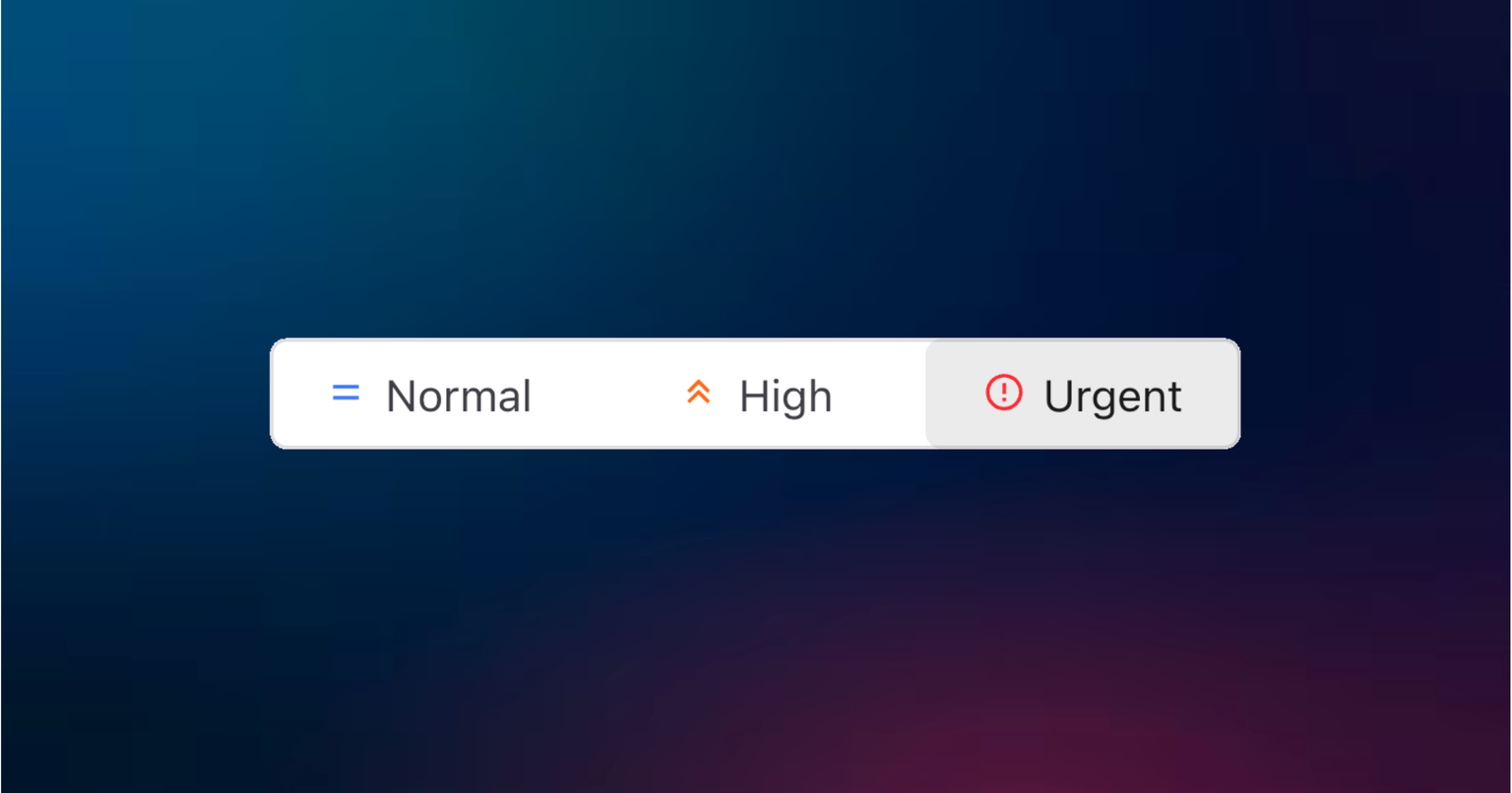
Bidders now set a priority of Normal, High or Urgent on each Q&A question, and that signal follows the question all the way through the sell-side workflow. You answer what blocks the deal first instead of working the queue in the order it happened to arrive.
In a live deal the Q&A fills up fast, and not every question is equal: some block a bidder's analysis while others are routine. The person best placed to judge that is the bidder asking, so they set the priority themselves in the Q&A module, either when creating the question or when editing it later.
How does it work?
The priority lives on the question from the moment it is raised. When a bidder opens the New Question modal, a Priority field offers the three levels: Normal, High or Urgent. They can change it any time by editing the question.
On the sell-side, that priority becomes something you can act on:
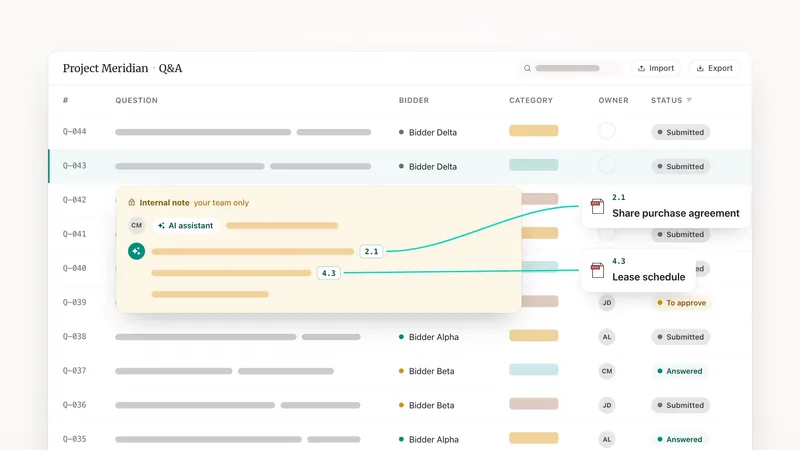
- A sortable Priority column in the Q&A thread list, so the queue reorders around what matters.
- A priority filter in the left sidebar, to isolate every High or Urgent question in one view.
- Per-row auto-detection of the priority column when you bulk import questions from Excel, so a large batch arrives already ranked.
Why it helps your deal
Momentum is everything in a live process. When you can see at a glance which questions are urgent, you answer what unblocks a bidder first and keep the analysis moving on both sides. Bidders no longer chase you over email to flag that something is time-sensitive: they signal it in-product, where you will actually see it.
It pairs naturally with Q&A SLA tracking, which keeps you inside your response windows once you know what to tackle first. See the full Q&A workflow on the product page.