Connect your AI assistant in a few clicks
A dedicated AI connections hub in Settings, with guided setup for every platform.
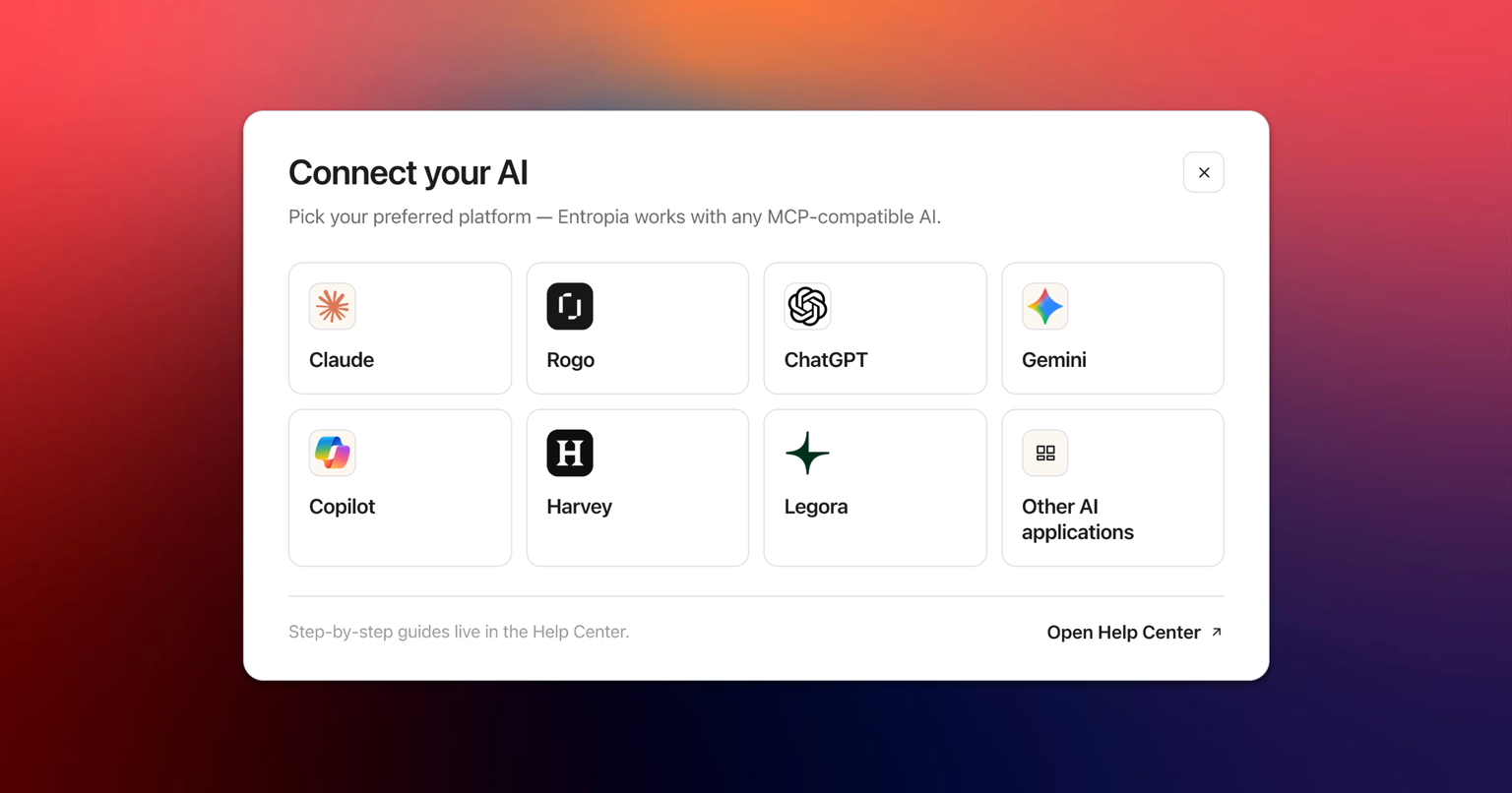
Connecting an AI assistant to your data room used to mean finding the right endpoint URL and pasting it into the right box. Settings now has a dedicated AI connections page that walks you through it, whichever platform you use, and then shows you what your assistant can actually do once it is connected.
One page, every platform
You will find it under Settings, in the AI tools group, as AI connections. Claude, ChatGPT, Gemini, Copilot, Harvey, Legora, Rogo and any other MCP client each get their own tile, and each gets the route to being connected that actually fits them.
Each tile links to a dedicated setup article with real screenshots for that specific platform, so you are never guessing which menu to open.
There are no API keys anywhere in this flow. You sign in through your browser, the way you sign in to Entropia, and you can review and untick optional permissions such as write access before you grant the connection.
A checklist that fills itself in
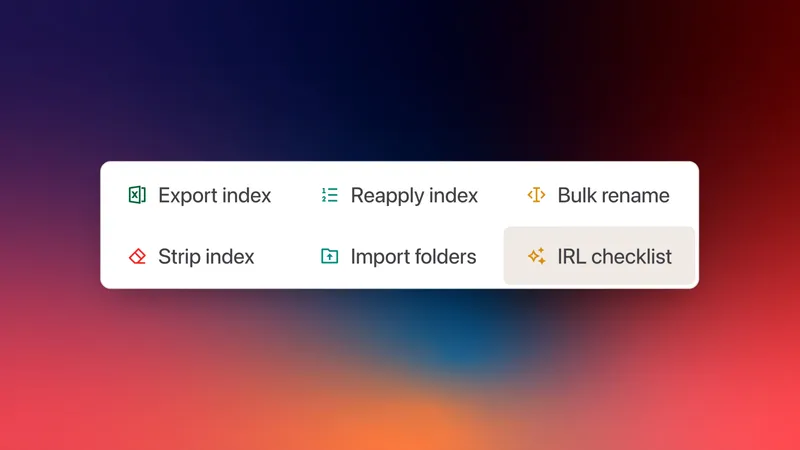
Knowing an assistant is connected is not the same as knowing what to ask it. So the page carries a checklist titled Explore what your AI can do. Paste one of the suggested prompts into your assistant, and the row ticks itself off when the call actually lands, with the date it was first tried and a running "3 of 9 tried" count.
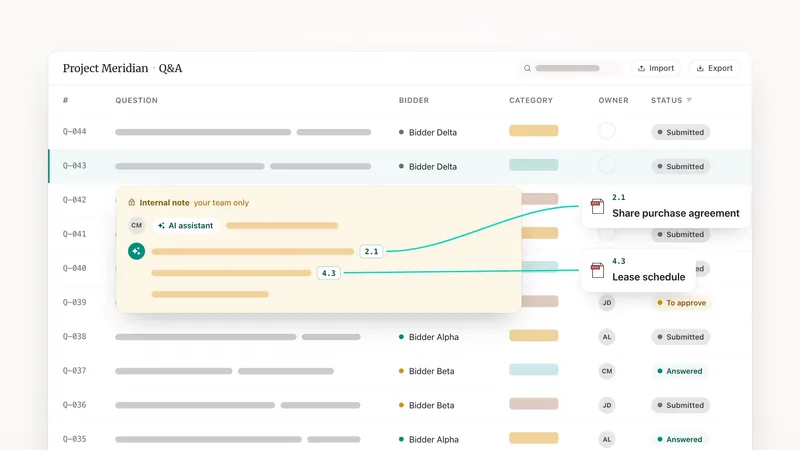
It covers the nine things worth trying first, from browsing the folder tree and reading a spreadsheet to running analytics, looking up who is in the data room, and drafting Q&A answers for your review.
Why it matters
The gap between "we have an MCP server" and "our deal team uses AI on this data room" was never the technology. It was the twenty minutes of setup and the blank page afterwards. This page removes both: guided setup per platform, then a concrete list of things worth trying, ticked off as you go.
Your existing controls are unchanged. AI access is still granted per group by each data room's administrators, so connecting an assistant never widens what you personally can reach. Every call an assistant makes is recorded in the audit trail like any other action.
Read more about the Entropia MCP server or see it on the product page.