View data room documents directly from your AI platform
Click a citation and the document opens in the conversation, at the cited page, with the passage highlighted. Permissions and redactions still apply.
An AI answer is only as useful as your ability to check it. Until now, verifying a citation meant leaving the conversation, opening documents in another tab, and scrolling to the page the assistant referred to.
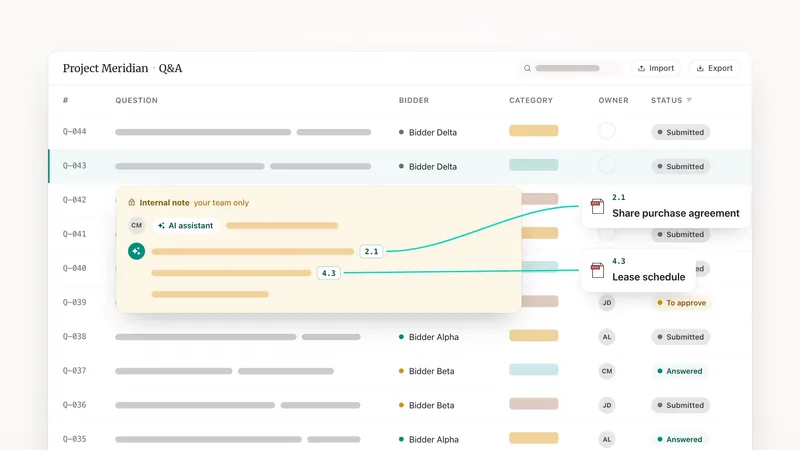
Ask your assistant a question about the data room and it answers with its sources, as before.
The difference is what happens when you click one. The document opens inside the conversation, at the page that was cited, with the quoted passage highlighted on the page. You read the sentence in its context, in the actual file, without switching windows.
Nothing is copied out of the data room
The document is served live from the data room, with the user's access rights enforced. If a passage was redacted, it stays redacted. The assistant never gets a version of the document that users are not entitled to see.
Why it matters
Due diligence findings get challenged. Being able to point at the clause, on the page, in the file, is the difference between an AI answer you can use in a memo and one you have to redo by hand.