
Registo de alterações
As versões e melhorias mais recentes do Entropia.

Securely follow the links inside PDFs
Web links in a PDF open in a new tab once you confirm the full address.
Flag sensitive groups with a private note
Admins tag a group with a short flag such as 'Competitor' and a private note, visible only to them in Access Rights, the Matrix and the group page.
Open and close the Q&A on a schedule
Administrators set when the Q&A opens and closes, freeze new questions a few days before it closes, and pause or resume submissions in one click.
Choose the AI provider your data rooms run on
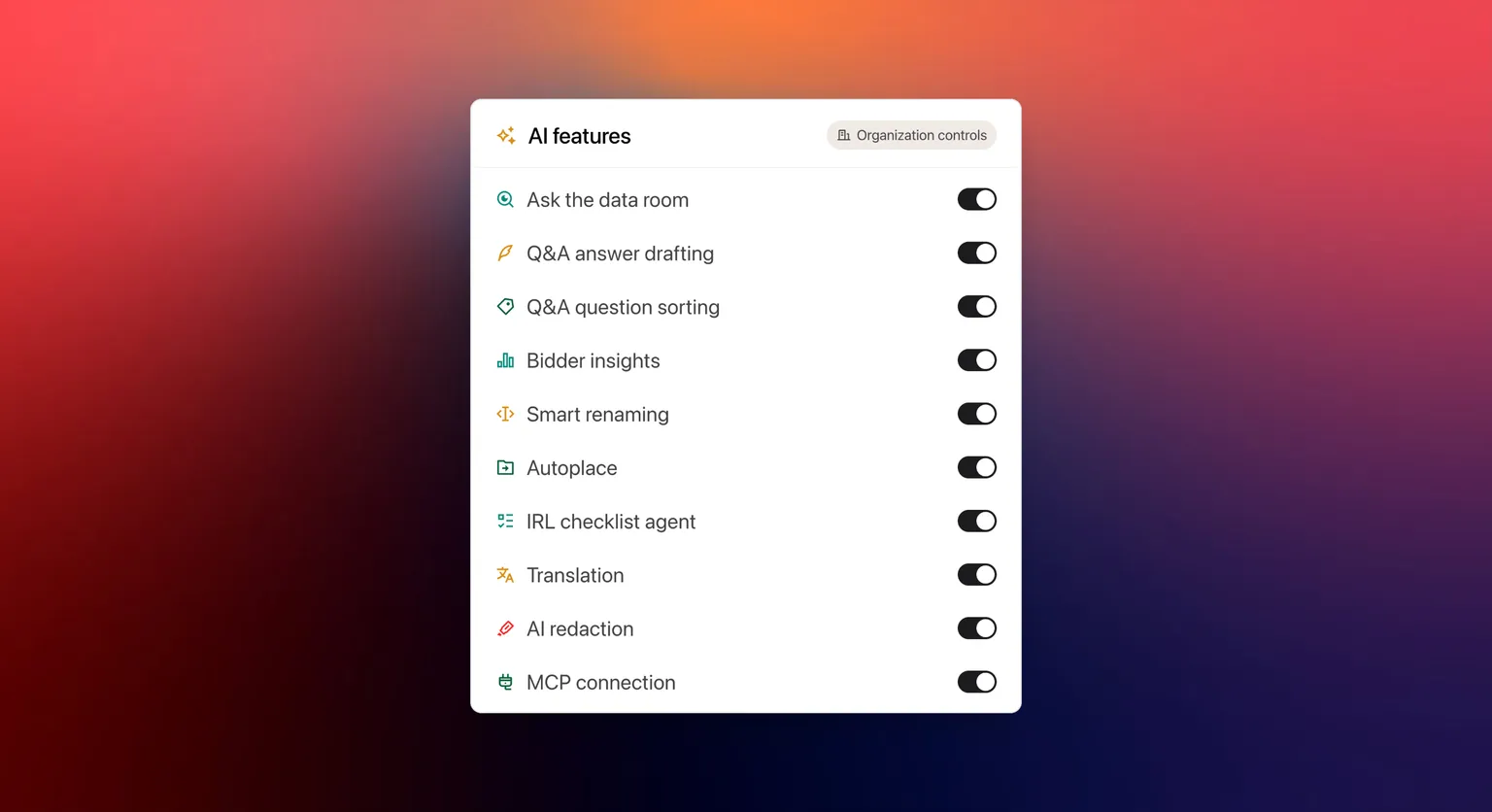
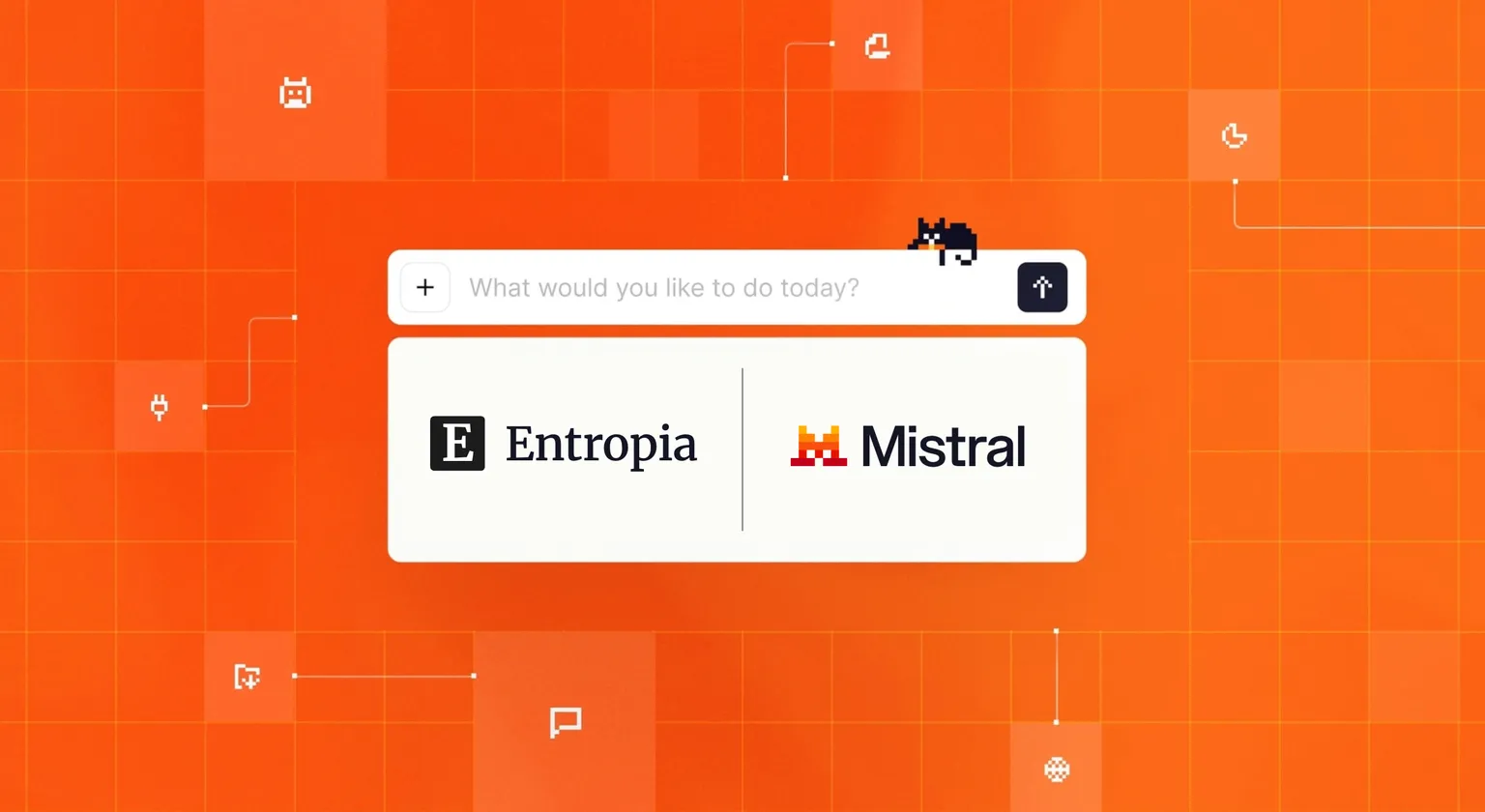
Organization managers pick the provider behind every AI feature in their data rooms, such as EU-hosted Mistral instead of the default.
One data room at a time for your AI platform
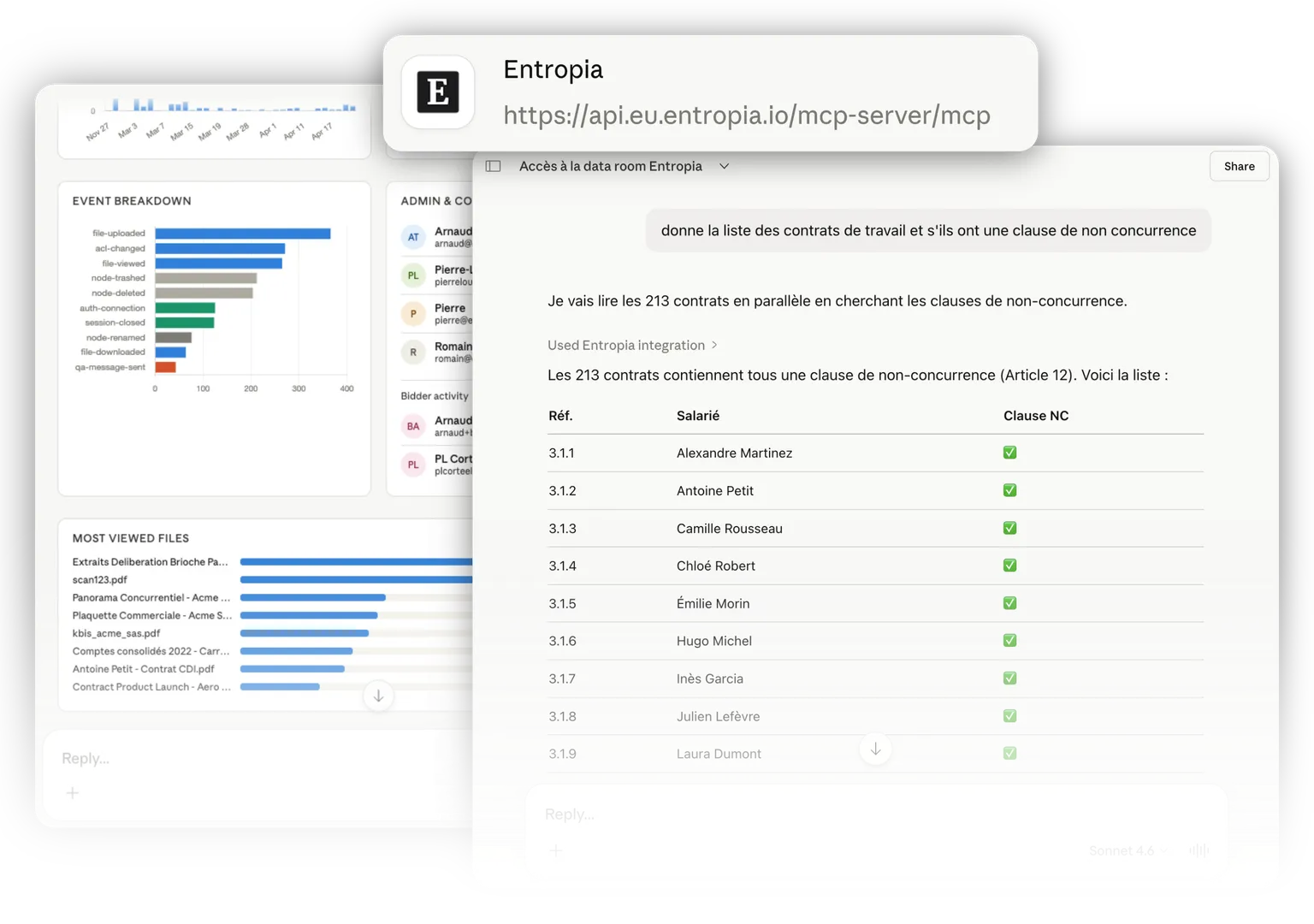
Pick the data room your AI platform works in from the Active data room for AI tab; it applies to all your conversations until you switch, so no answer ever draws on several data rooms at once.
Search faster in very large data rooms
Full-text search returns noticeably faster in data rooms with hundreds of thousands of pages, and result pages no longer repeat or skip a document.
Open large scans even faster
The viewer now loads only the pages on screen, so the first page of a long scan appears even sooner and the rest follows as you scroll.
Documents open in your AI platform's viewer
A PDF you open from a connected AI platform shows its pages in the Entropia viewer.
Ask questions about the document you are reading
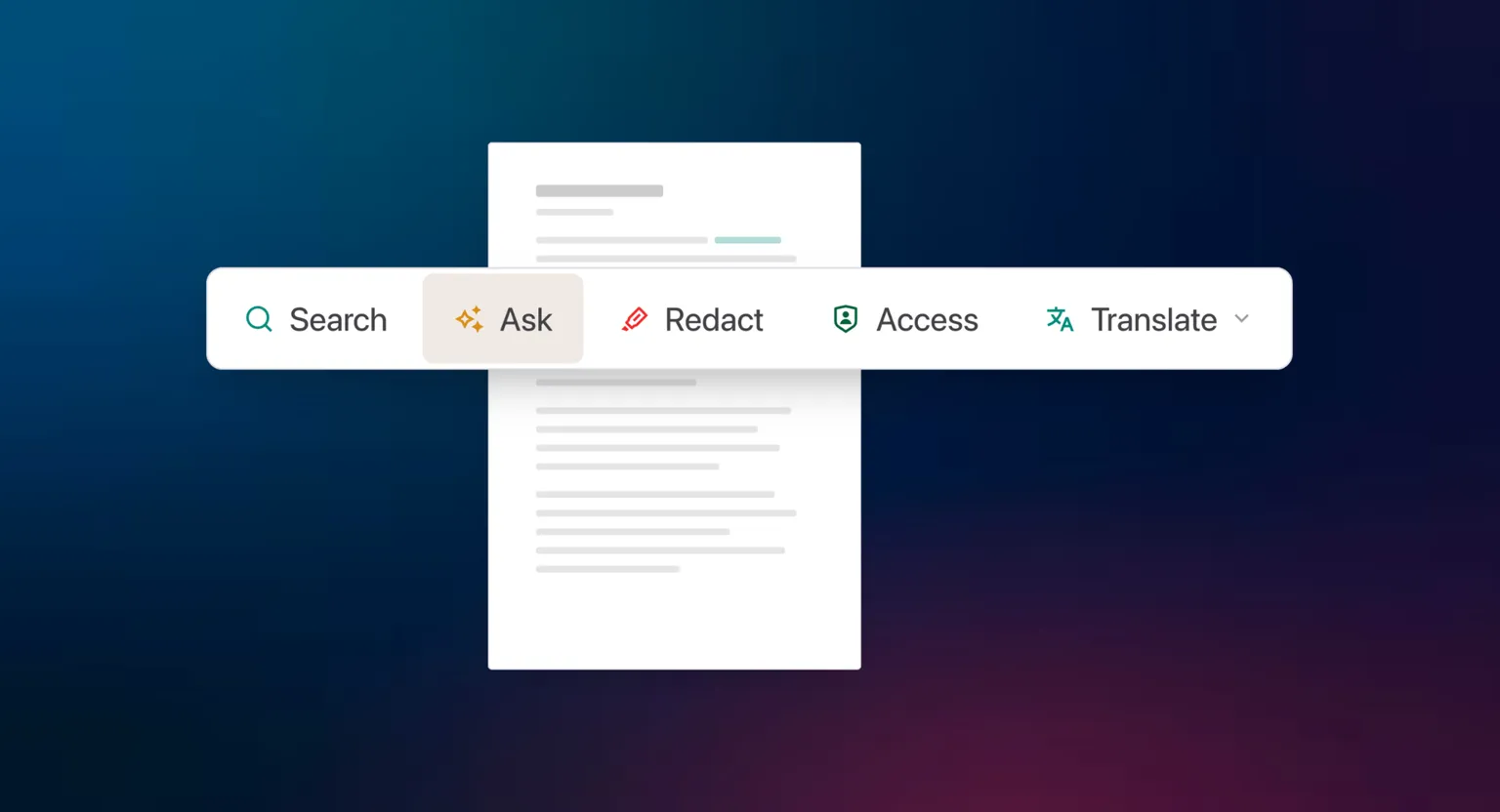
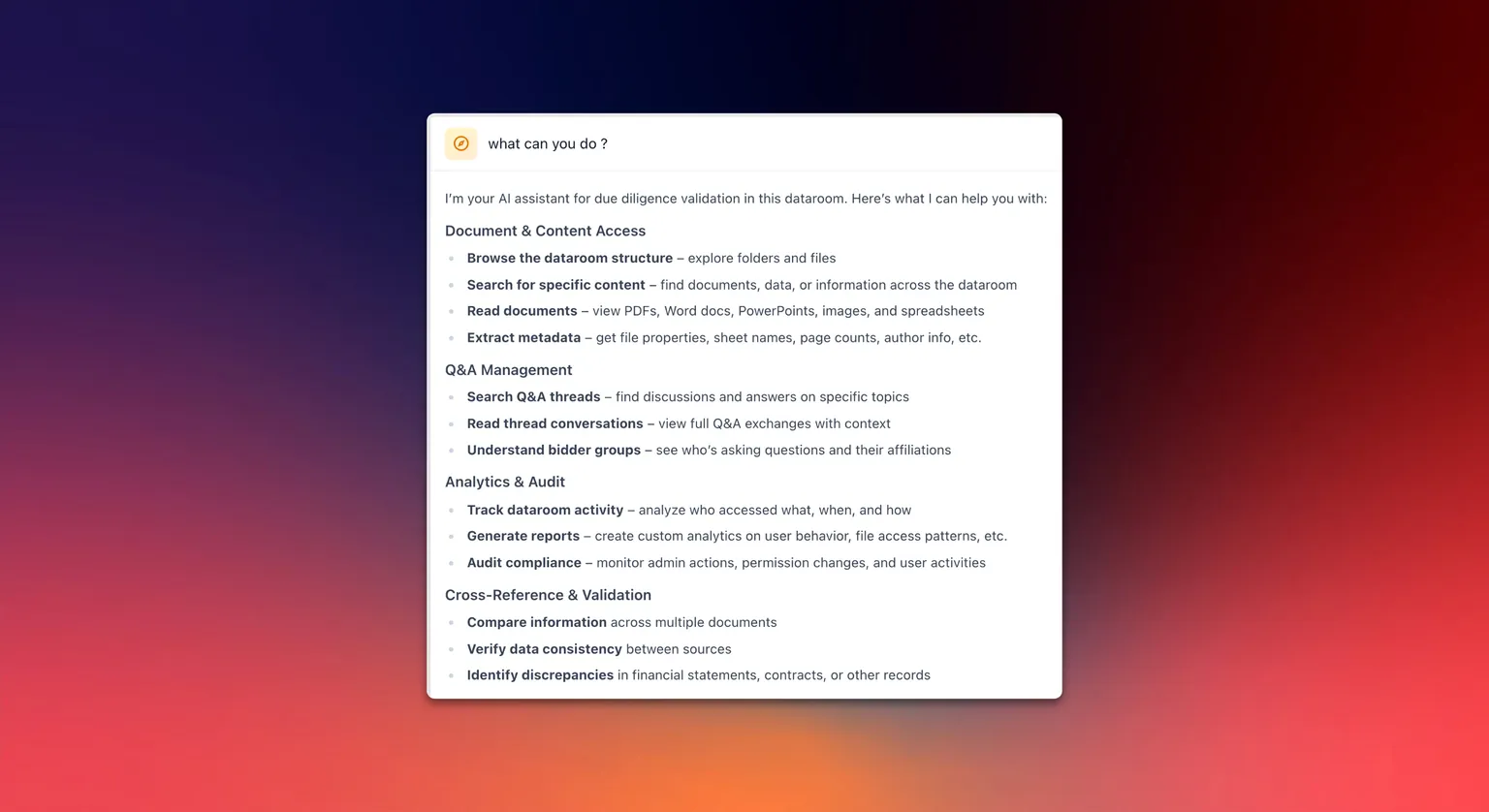
From the search panel, ask a question about the open document; the answer links to the pages it cites, and any search turns into a question in one click.
Entropia on your phone, improved
Pages no longer scroll sideways, tables read as lists, filters open from the bottom of the screen and navigation sits in one menu.
Daily email of the questions assigned to you
Administrators and contributors receive one email a day listing the Q&A questions assigned to them that still wait on their side; nothing is sent when nothing is pending.
Import answers from any spreadsheet layout
When you import Q&A answers from Excel, pick the columns that hold the answers and the question IDs, so files with renamed headers, extra tabs or intro rows import cleanly.
Q&A attachments reach the other side at once
A file attached to a Q&A message that needs no review is shared with the other side straight away.
Export one Q&A category across every counterparty
Export the questions and answers of one category across all streams in a single file, and anonymise it so no stream and no person is named, ready to hand to an advisor.
Upload into two folders at once
Start an upload into a second folder while another upload is still running, and the new files appear in the Upload Tracker straight away.
Email when you are mentioned in the Q&A
Mentioning someone in a Q&A message sends them an email notification, on top of the in-app one.


Support replies land in your inbox
When Entropia support answers your question in the in-app chat, you receive an email with the conversation, so you can pick it back up after closing the tab.
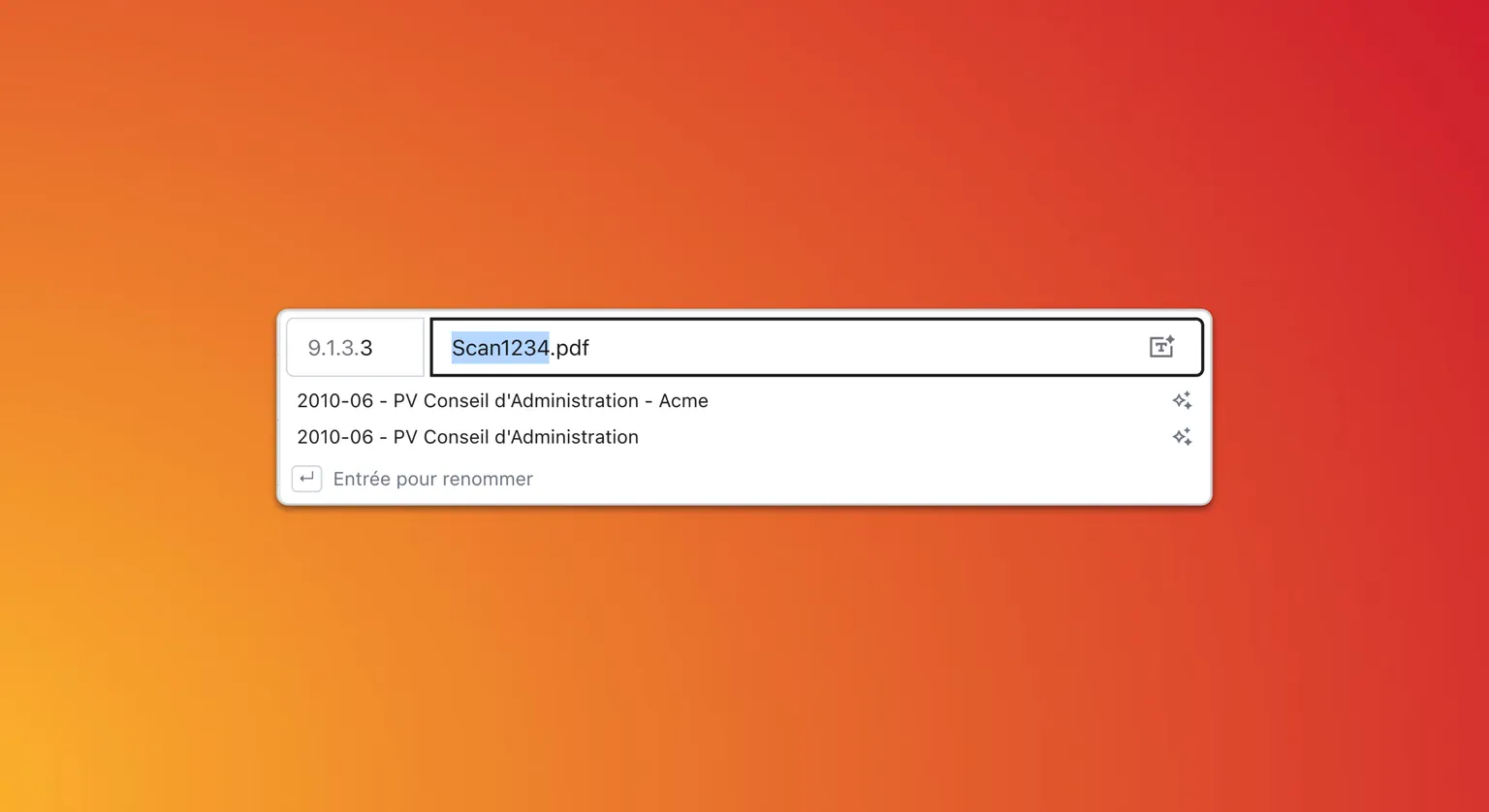
Two real options when AI suggests a filename
Asking for an AI-suggested filename returns two genuinely different options, one leading with the document type and one naming every party, with room for longer descriptive names.
Improved support channels
Our support teams have always been available 24/7 via chat or phone. The support chat now also links to a redesigned help center, with an AI assistant you can ask directly.
Filter files by size
File search now filters by size, so the heaviest documents are easy to find.

Branded sign-in links
Share a sign-in link carrying your organisation's logo and name, landing members on your organisation's home page once they sign in.
Sort the file table by column
Click Index, Name, Pages, Size or Upload date to sort either way, with a third click back to the default order. Folders stay grouped on top, and sorting keeps working while a search or filter is active.
See folder sizes
The Size column now totals every file inside a folder, so you can see where your storage is going.
AI connections in the activity log
Connecting to a data room through an AI assistant is now recorded alongside regular sign-ins.
Activity log quick filters
Filter the activity log by event family in one click, from a chip row above the table.
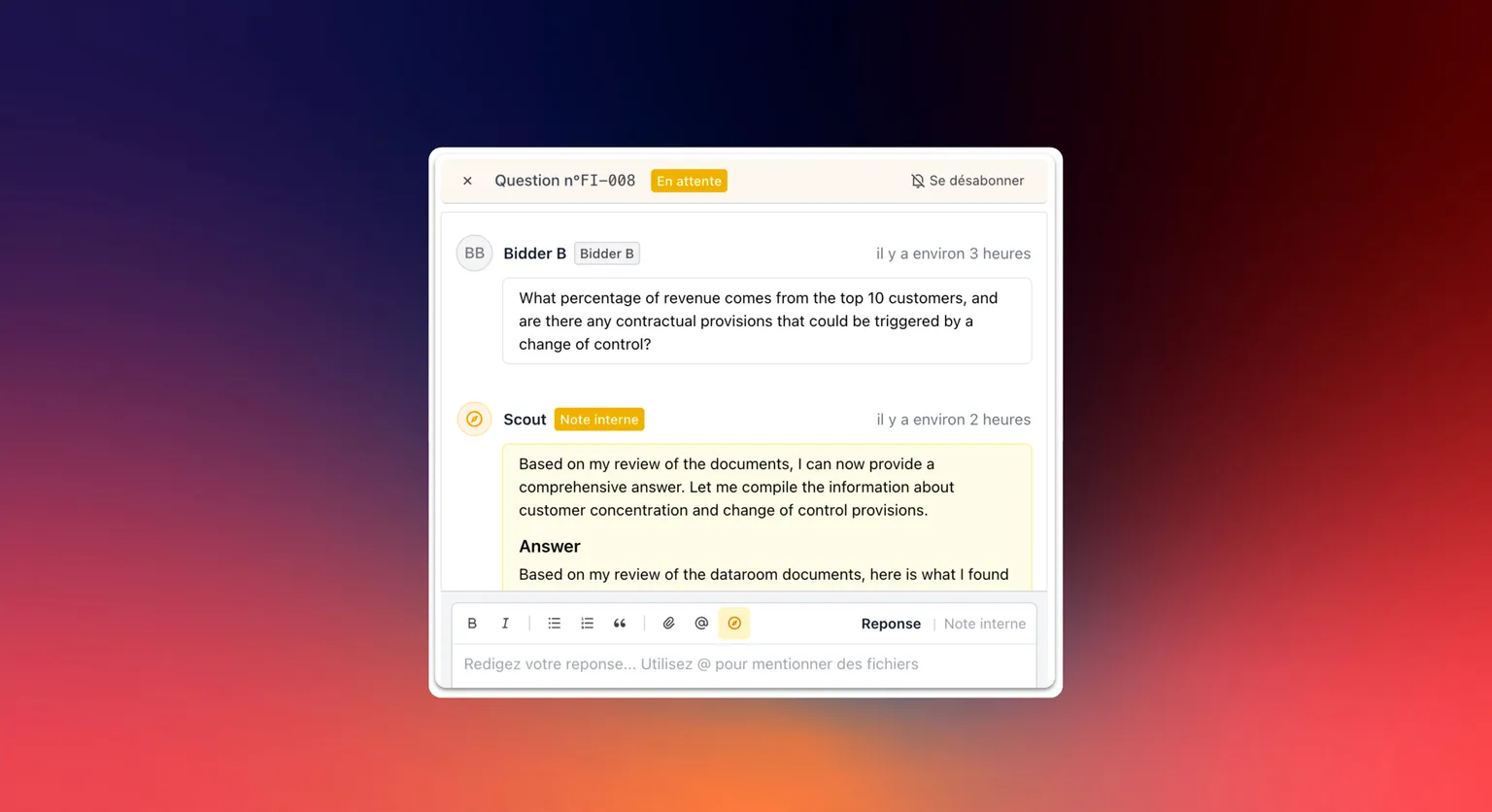
Editable AI drafts in Q&A
Answers drafted by a connected assistant now arrive as an editable composer draft in the Q&A.
Weekly question limits in Q&A
Set a per-stream cap on how many questions each bidder can ask per week, with a clear reset date.
Reuse a published Q&A answer instead of writing it twice
Cluster similar questions from the same bidder group, then pull a published answer in as an editable draft, so you never rewrite the same response twice.
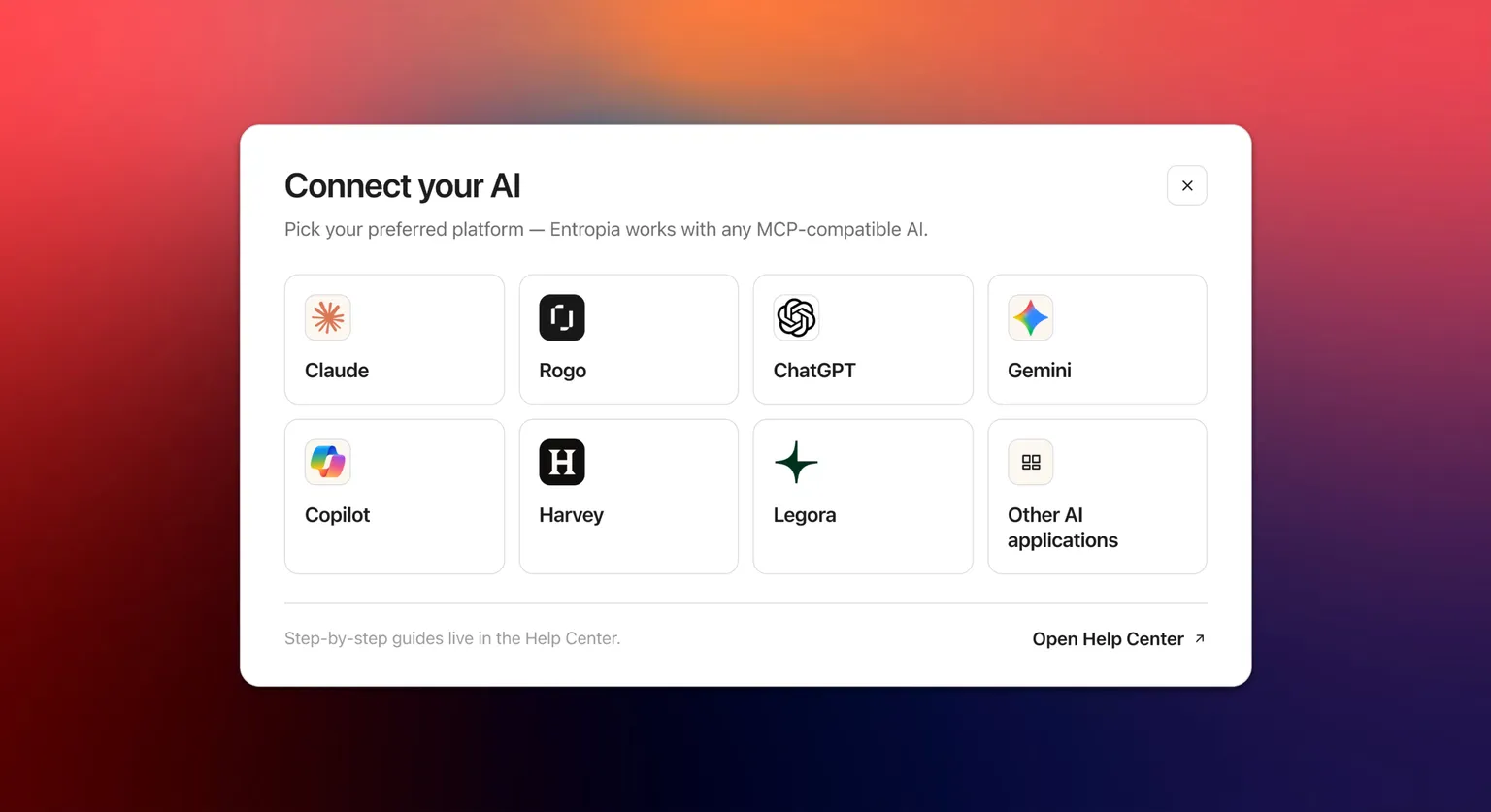
AI permission and roster lookups
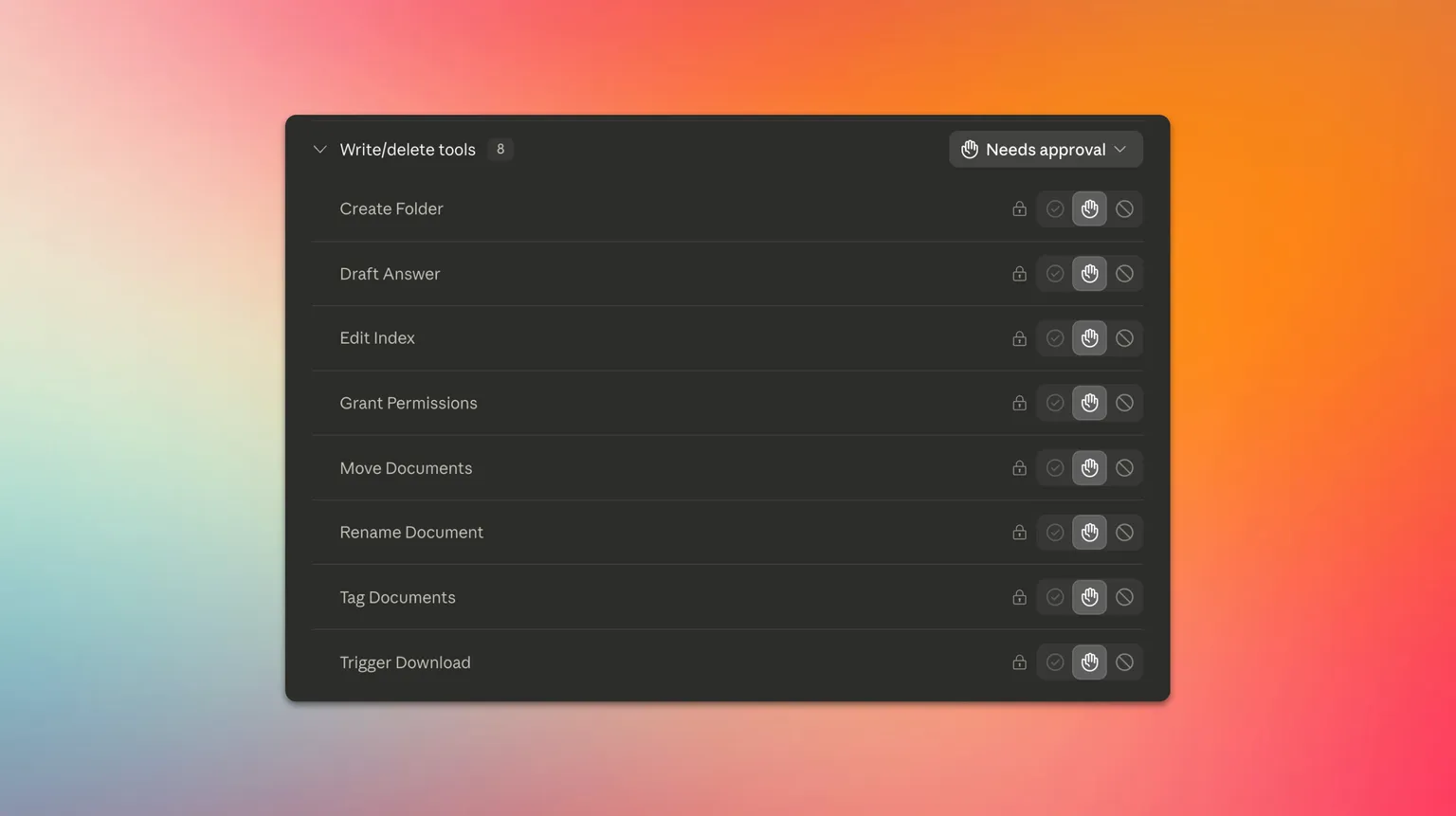
Your connected assistant can answer who has access to a file or folder, list members and groups, and draft Q&A answers that stay pending until your team approves them.
Bidder Q&A export scope upgrade
Users from a bidder group exporting the Q&A can choose to include only the questions they asked.
Data room setup via API
Enterprise customers can retrieve the activity log, upload a single file, and import a full folder structure, each in one call.
Q&A thread ownership
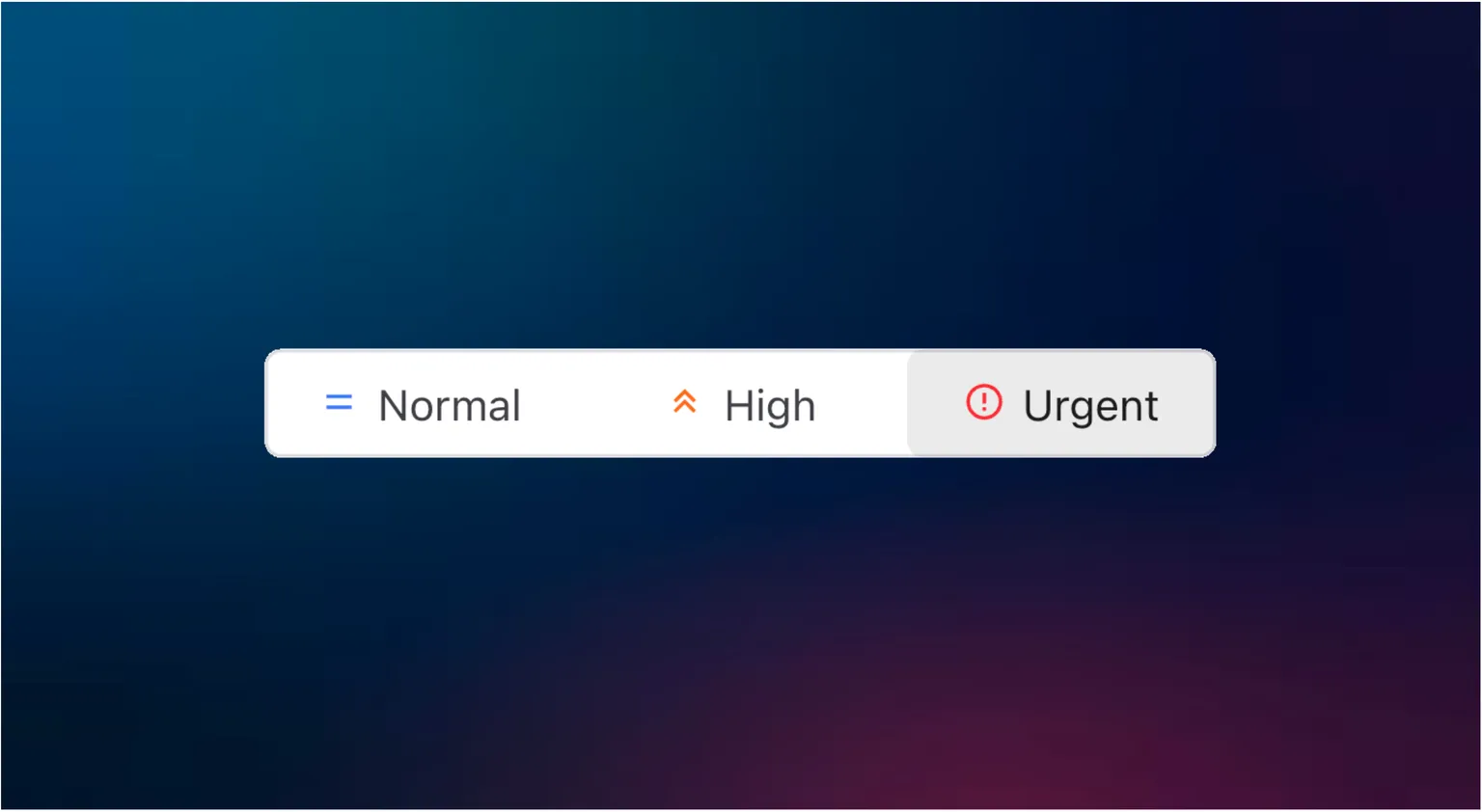
Assign a single sell-side owner to each question. The owner is notified, and new filters show what is assigned to you and what is still unassigned.
Recycle bin details
See where each file was trashed from and when. Admins also see who trashed it.
Upload conflict resolution
When a file already exists, choose to skip it, keep both, or replace the original, and apply your choice to every conflict at once.
Sharper help center search
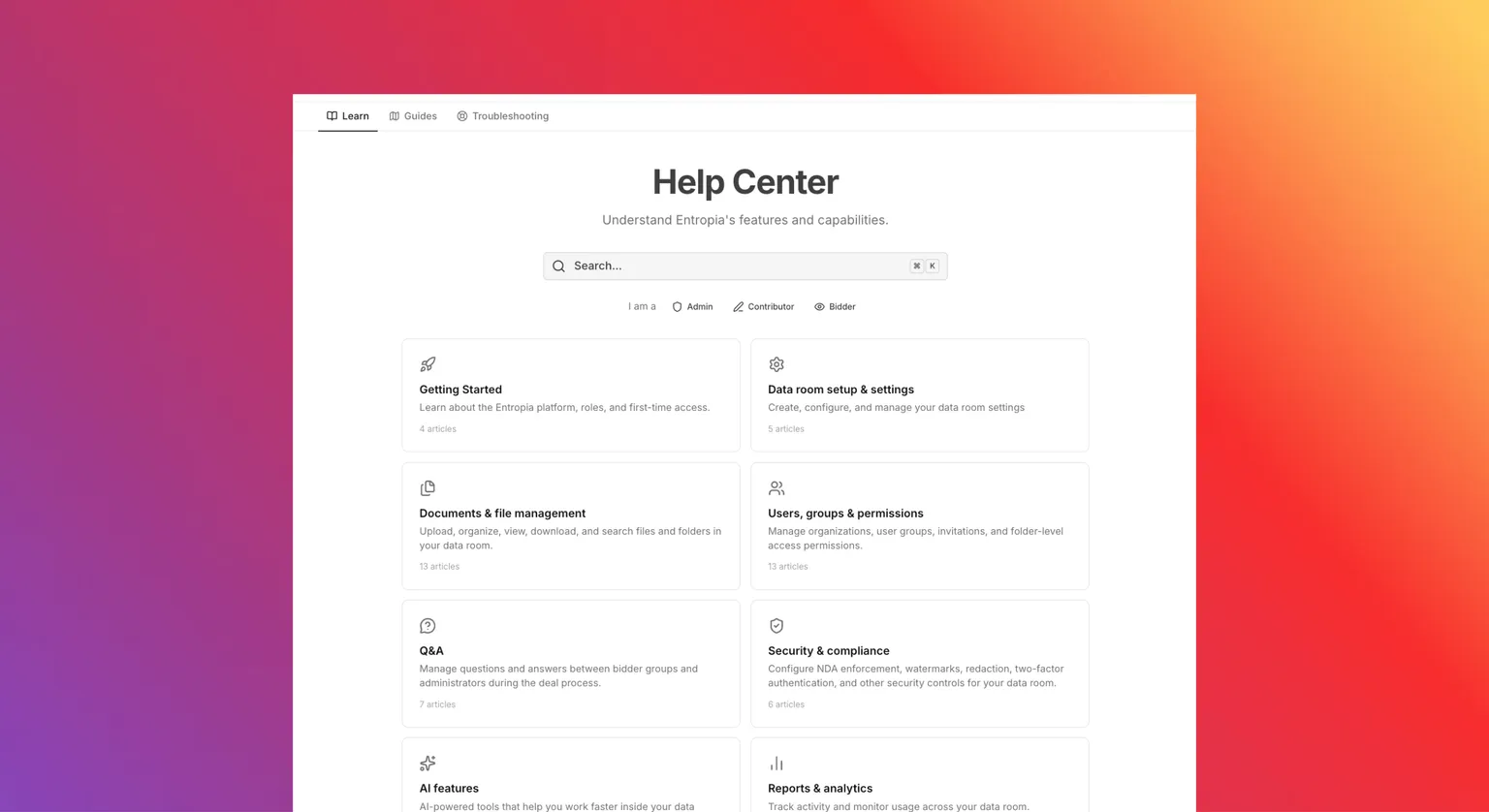
Search results now show the full article name plus a highlighted snippet of the matching text, so you can spot the right guide at a glance.
Right-to-left text selection for Arabic and Hebrew
Selecting Arabic or Hebrew text in the PDF viewer now highlights the correct words, matching exactly what you see on the page.
Share a link to a specific document
Right-click a file to create a shareable link scoped to a specific group. Recipients open directly onto that document.
More email and archive formats supported
Upload a wider range of email files (.eml, .emlx, .mht, .mhtml) and mailbox archives (.mbox, .pst, .ost). Each archive is expanded into its individual messages.
Track folder completeness
Folders show a status pill, Empty, Incomplete, or Complete. Contributors mark a folder complete from its menu, and the change is recorded in the activity log.
Export the index as a buyer or contributor
Buyers and contributors can export the data room index to Excel, based on their permissions, the same way administrators already could.
Create OAuth API clients for integrations
Organisations can create their own OAuth API clients in the admin area and obtain short-lived tokens, so their own software can connect to Entropia's API and automate machine-to-machine integrations.
Order encrypted USB drives like an online shop
Order physical USB drives holding the encrypted data room contents. Now open to all customers, with a dedicated permission so admins can grant ordering without granting full export rights.
Manage your download queue
See pending, in-progress, and completed downloads together, with type and status filters and bulk actions (cancel, delete) to manage your export queue.
Redesigned exports center
Downloads, Archives, and USB orders are consolidated into a single Exports page with tabs.
Open very large spreadsheets smoothly
The spreadsheet viewer was rewritten with a canvas renderer and server-side viewport chunking, giving smooth 60fps scrolling, freeze-pane support, and reliable display of very large files.
Copy permissions across groups
Apply one group's permissions to other groups in bulk, from the top bar of the permissions page.
Upload and extract ZIP/RAR archives
Upload a ZIP or RAR archive and extract its contents directly into the data room's file tree.
Track Q&A response deadlines
Track SLA deadlines in Q&A, detect overdue responses, and see response-time metrics, with preset SLA chips and inline countdown badges.
DWG / AutoCAD viewer
View DWG files in the viewer, with layers you can show and hide.
Real estate and infrastructure deals run on plans, and DWG files used to mean downloading AutoCAD just to look. They now open straight in the viewer, with layers you can show and hide.
Review a floor plan or a site drawing inside the data room, the same way you review a PDF, with no external software.
Read Outlook .msg emails as PDF
Outlook .msg email files are automatically converted to PDF for viewing.
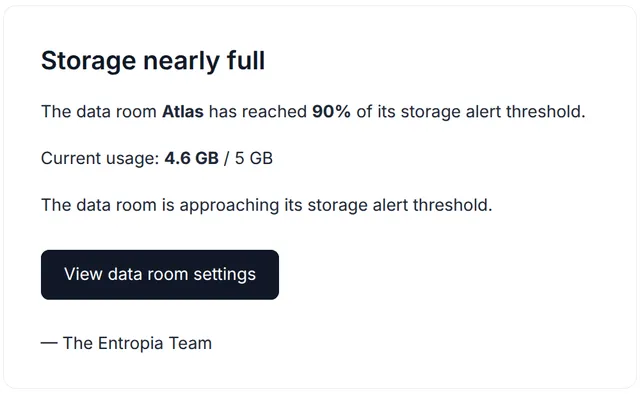
Storage management and alerts
Administrators set a storage limit and get an email alert as they approach their reserved capacity, to avoid overage charges.
Storage is now something you can see and steer. Administrators set a limit for a data room and get an email alert as usage approaches the reserved capacity, well before it becomes a problem.
The point is to avoid surprise overage charges: you know where you stand, and you decide whether to clean up or raise the limit before you hit it.
Document viewing time added to logs
Audit logs now also track the time actually spent per page or per sheet, adding depth to your reporting.
Detect Windows path-length limits
During upload, Entropia detects files whose path exceeds the Windows length limit (MAX_PATH) and reports it with a clear error.
Set group expiry dates
Set an expiry date on a group with a calendar picker. The group is deactivated automatically when the date is reached.
Export a Q&A stream as PDF
Export an entire Q&A stream as a single PDF document.
Single sign-on (SSO)
Sign in through your company's identity provider, with users created automatically on first login. Works with SAML and custom OpenID Connect providers.
Authentication stays in your organisation's hands: access is governed by your own identity provider, with your own keys and policies, so there are no separate Entropia credentials to maintain. Custom OpenID Connect setups can even link people straight to their own login page.
New formats supported in the viewer
HTML, RTF, and more image formats (GIF, BMP, SVG, TIFF) are now converted to PDF for viewing.
Ask a Q&A question from the viewer
Ask a Q&A question directly from the file viewer, tied to the portion of the document you select, without switching context.
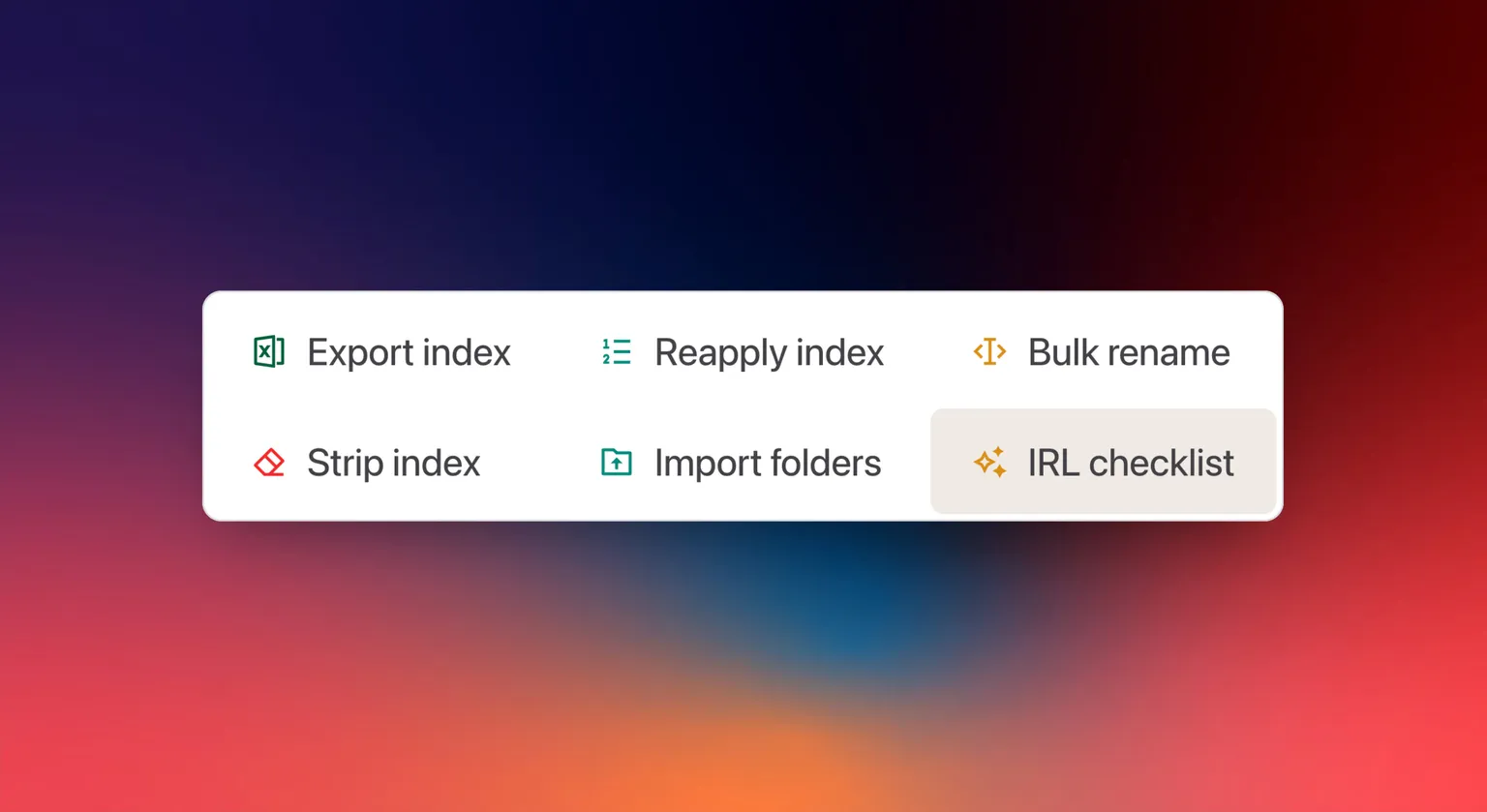
Strip index prefixes in bulk
Remove numeric reference prefixes from all file and folder names in one action.
Shareable document sections
Select a portion of a page and share a direct link to that passage.
Choose what an archive includes
Pick exactly which content to include when exporting a data room archive.
Documents attached in Q&A answers get stored in auto-managed folders
When you attach a document to an answer in the Q&A module, it will be stored in a stream-based auto-managed folder, which can be added to bidder-level archives at the end of the process.
Zoom in the document viewer
Ctrl+scroll and pinch-to-zoom are now available in the document viewer.
Import questions in bulk
Buyers can import an Excel file containing all their questions in one click.
Export the index with tags, pages and size
Exported indexes now include Tags, Pages, and Size columns, and document names link directly to their location in the data room.
Export audit logs to Excel
Export audit logs to Excel, filtered by date range, action type, user, and search term.
Support for ODT files
Upload, view, and convert OpenDocument Text (.odt) files, with automatic conversion to PDF.
Org managers can create data rooms
Organisation managers, not only organisation admins, can create data rooms.
Organisation management interface
For customers on a framework agreement or an annual subscription, owners and managers get an organisation-level interface to manage members, assign roles, and track usage across data rooms.
See when each file was uploaded
A new Uploaded column shows when each file was added to the data room.
Infinite scroll activity logs
The activity logs page now loads entries progressively.
Bulk Tag Management
Select multiple files and add or remove tags in a single action via the new bulk tag editor.
User mentions in Q&A
Mention your colleagues with @username in Q&A threads. They receive an instant notification and an email.
Copy and paste files
Copy, cut, and paste files with Ctrl+C, Ctrl+X, and Ctrl+V, plus a Paste action in the right-click menu.
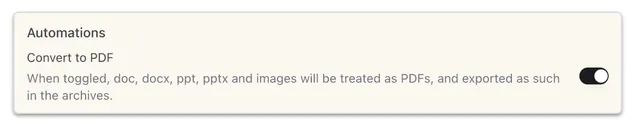
PDF-Only mode
Convert the whole data room to PDF in one click. The action is reversible and the originals are kept.
PDF-Only mode converts every document in the data room to PDF in a single click. Native files such as Word or Excel are presented as PDFs, which strips hidden metadata and locks formatting before buyers ever open them.
The action is reversible and your originals are kept, so you can switch a data room to PDF for diligence and switch back whenever you need the source files.
Permission exception indicators
Warnings appear on folders containing items with different permissions.
Search inside Excel files
Search runs inside Excel spreadsheets, with results down to the exact sheet and cell reference, for example Sheet1!A5.
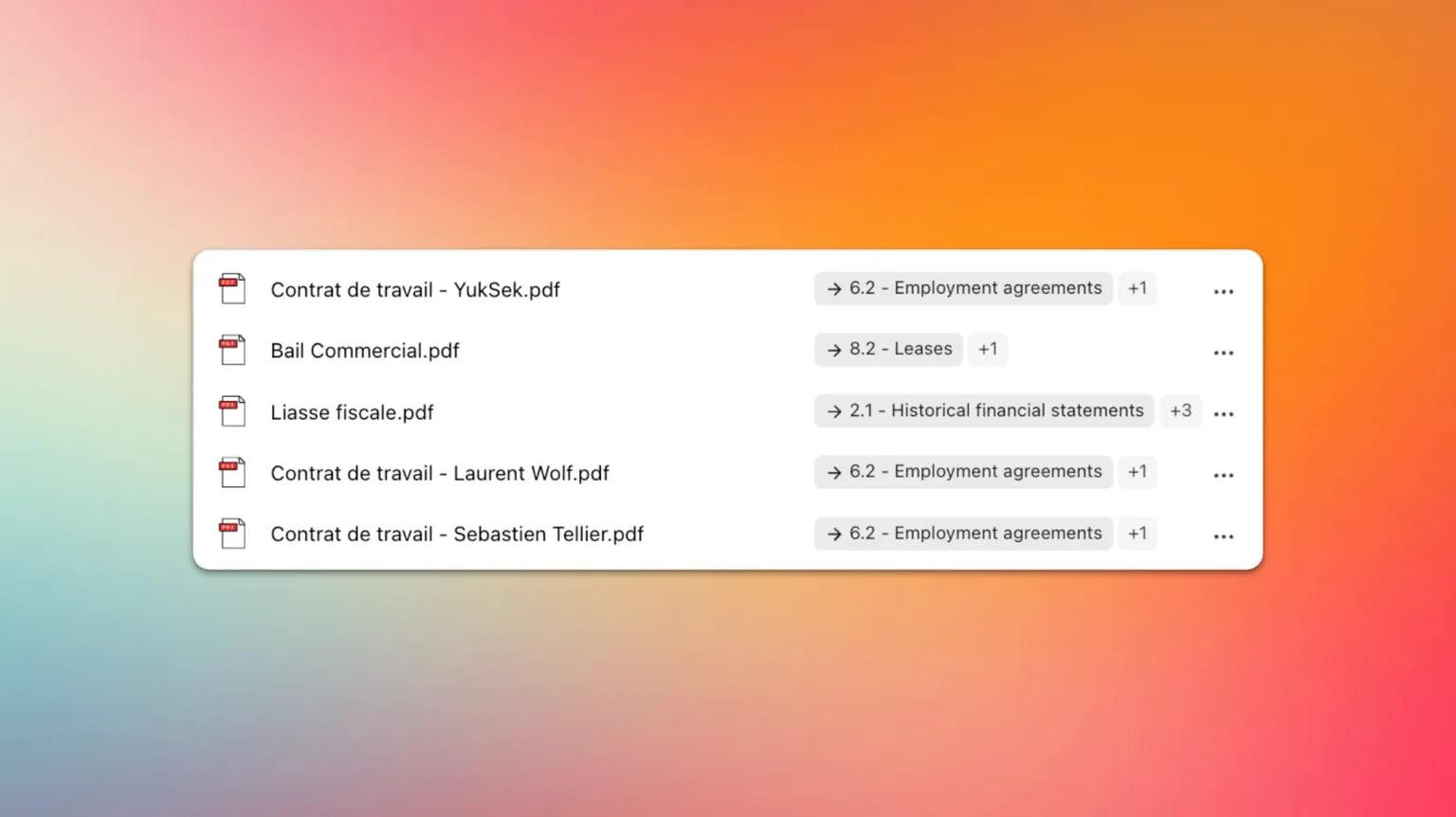
Rename files in bulk
Select multiple files and rename them at once with pattern-based naming.
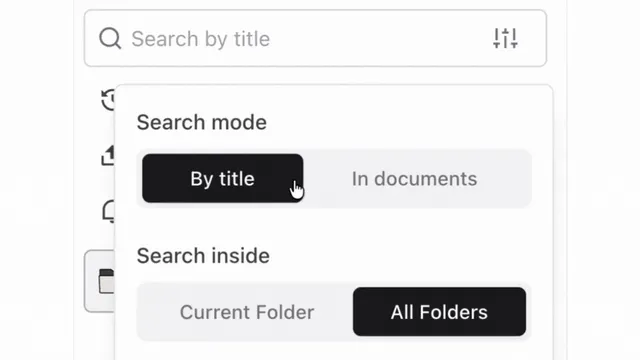
Search inside document content
Full-text search across every file in the data room, with highlighted excerpts and a jump straight to the page.
Search now reaches inside the documents themselves, not only their names. Type a term and Entropia looks through the full text of every file you can access, returns highlighted excerpts, and takes you straight to the right page.
It turns a data room full of PDFs and spreadsheets into something you can actually query, so finding a clause or a figure takes seconds.
AI IRL tracker early preview (beta)
An AI agent validates due diligence checklist items against the data room: it searches the documents and returns confidence-rated findings with supporting evidence. (Beta.)
AI-suggested names, for spreadsheets too
AI renaming now works on Excel files, analysing the spreadsheet's content to suggest a meaningful file name.
Index export options
Choose between "Print Index" (visual) or "Work Index" (for bulk operations in Excel before re-import).
Two-factor login with an authenticator app
Set up two-factor authentication with any TOTP app (Google Authenticator, Authy, 1Password). This solves SMS delivery issues for international users.
Redesigned mobile experience
Entropia is fully usable on smartphones: search, toolbar actions, and Q&A filters are all reachable, with phone-friendly card layouts and a more-actions menu for the file browser and Q&A.
Rich text editor in Q&A
A TipTap editor with a formatting toolbar (bold, italic, lists) and @mentions of files directly in your Q&A messages.
Multilingual interface
The application now supports multiple languages, switchable from settings or during onboarding.
Save redactions as drafts
Save redaction work in progress without applying it, and preview how the redacted document will look before finalising.
Redact documents manually
Draw boxes over sensitive content in a document, then generate a redacted version for secure sharing.
Full text search inside documents (token level)
Document search rebuilt with token-level matching: keyboard navigation between results and highlighted snippets.
Real-time notifications
WebSocket-powered notifications deliver updates instantly, with no need to refresh.
User profile pages
A profile page per user with their groups, activity logs, last connection, and status. Admins can manage MFA and resend invitations from there.
Configure watermark content
A settings page to choose what information appears in the watermark on downloaded documents.
Choose permission handling on copy and move
When copying or moving files, choose how permissions are handled: inherit from the destination, keep the existing ones, or remove them all.
Reorder files by drag and drop
Drag and drop files within a folder to reorder them. The new position is reflected automatically in the file references.
Watermark PDF downloads
Automatically watermark PDF downloads with the user's identification, for document tracking and security.
Redesigned event logs page
A dedicated page to search, filter, and browse all data room events, with infinite scroll.
Redesigned group creation and setup experience
A multi-step wizard to create user groups, with guided validation at each step.
Redesigned access management page
A dedicated page to manage granular permissions and see exactly who has access to what.
Colour-coded file tags
Create custom colour-coded tags, assign them to files, and filter your files by tag.
Follow a folder for updates
Subscribe to a folder and get notified whenever new files are uploaded or changes occur.
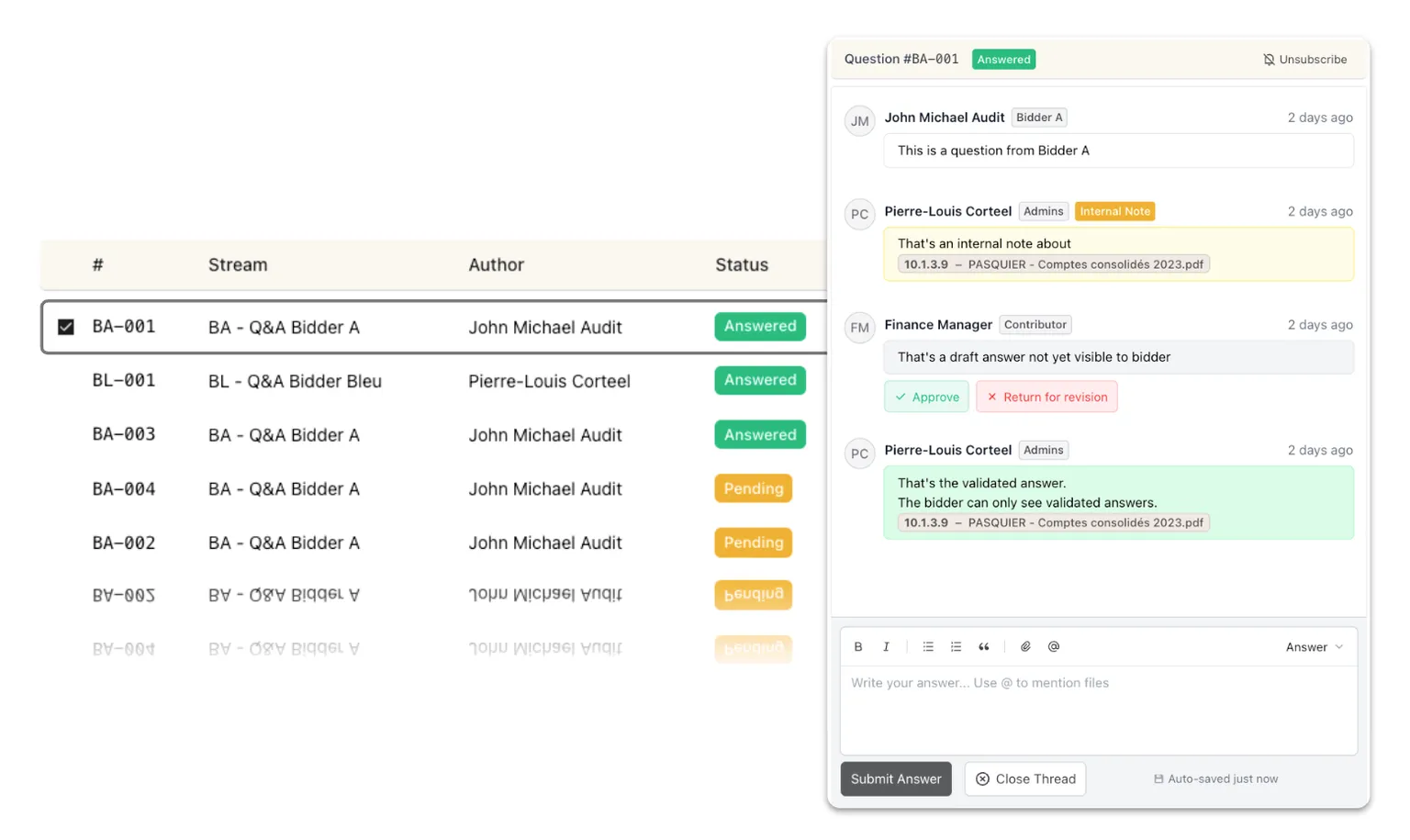
Q&A module to bring buyer exchanges in one place
A dedicated Question and Answer module to manage due diligence questions and responses, track status, and collaborate with counterparties, instead of scattered emails.
Enriched right-click menu for administrators
A full context menu in the file browser: right-click a file, folder, or empty space to reach every action.